Meetings have quietly become the most expensive line item in most companies. Not the software or the salaries in the abstract, but the hours themselves. Calendars fill up, notes get scribbled and lost, and the same decisions get re-discussed three weeks later because nobody wrote down the first version.
That is why AI meeting assistants went from a novelty to a default faster than almost any other AI category. A Metrigy study of 1,100 companies found that nearly 40% had already deployed an AI meeting assistant.
We started with 23 tools from different sources and tested each against the workflows teams actually use in meetings. Our team used them for the last two weeks, alongside product documentation, current pricing, and verified buyer reviews.
We finally decided to get the paid plan for Fathom, but there is something for everyone on this list. Here are the 10 tools that made the cut, with what stands out, pricing, the main catch, and our take.
Get your tool featured
Building an AI meeting assistant that belongs on this list? We review new tools every month. Email us at info@theailandscape.com with your product details and pricing and our editorial team will take a look.
The 10 winners in 30 seconds
Short on time? Here is the entire list in ten lines. The full breakdowns follow below for people who still have good attention span 🙂
- Fireflies.ai is the pick for the widest language and integration coverage at a modest price.
- Otter.ai is the established live-transcription workspace with a solid free tier.
- Fathom has the most generous free plan for individual users.
- Granola is the bot-free notetaker that polishes the notes you type yourself.
- tl;dv is built for teams that share meeting clips and highlights constantly.
- Avoma bundles notes with a scheduler and sales coaching for revenue teams.
- Fellow brings agenda-driven discipline to recurring meetings and 1:1s.
- MeetGeek packs the most features per dollar with CRM sync on every plan.
- Read AI adds a personal meeting coach and search across your whole workspace.
- Circleback turns meeting outcomes into tasks in your PM tools automatically.
1. Fireflies.ai
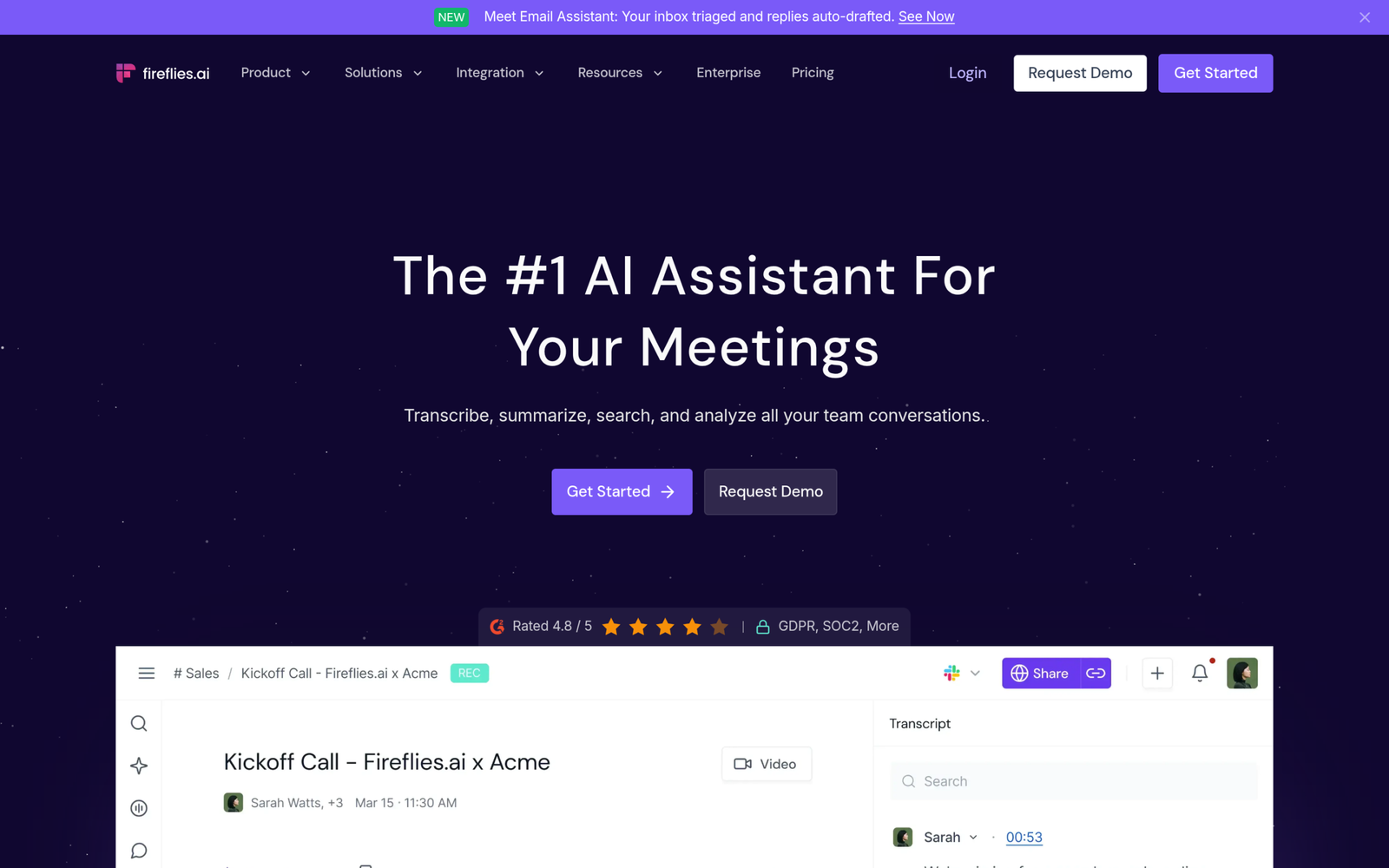
Fireflies.ai made the top spot because it covers the most ground. It auto-joins meetings across Zoom, Meet, Teams, Webex, and Dialpad, transcribes in more than 100 languages, and connects to over 100 tools including Salesforce and HubSpot. If your team meets in several languages or lives across five different apps, this is the one that keeps up without drama.
What stands out
- Transcription in 100+ languages, far ahead of most rivals
- Auto-joining bot for Zoom, Meet, Teams, Webex, and Dialpad
- AskFred, an AI chat layer that answers questions across your whole meeting history
- CRM syncing and 100+ integrations for pushing notes and action items where work happens
Pricing
There is a genuinely usable free plan. Paid tiers run from $10 per seat per month on the Pro annual plan up to $19 per seat per month on Business annual, with Enterprise around $39. Note that advanced AI features also draw on separately metered AI credits, so check that line item before you commit.
The catch
The meeting bot is visible by default, which some guests dislike, and the AI-credit pricing can be confusing until you have used it for a month.
TAL’s Take
The safe default for most teams. If you need broad language coverage, broad platform coverage, and sane pricing in one package, start here. Visit Fireflies.ai
2. Otter.ai
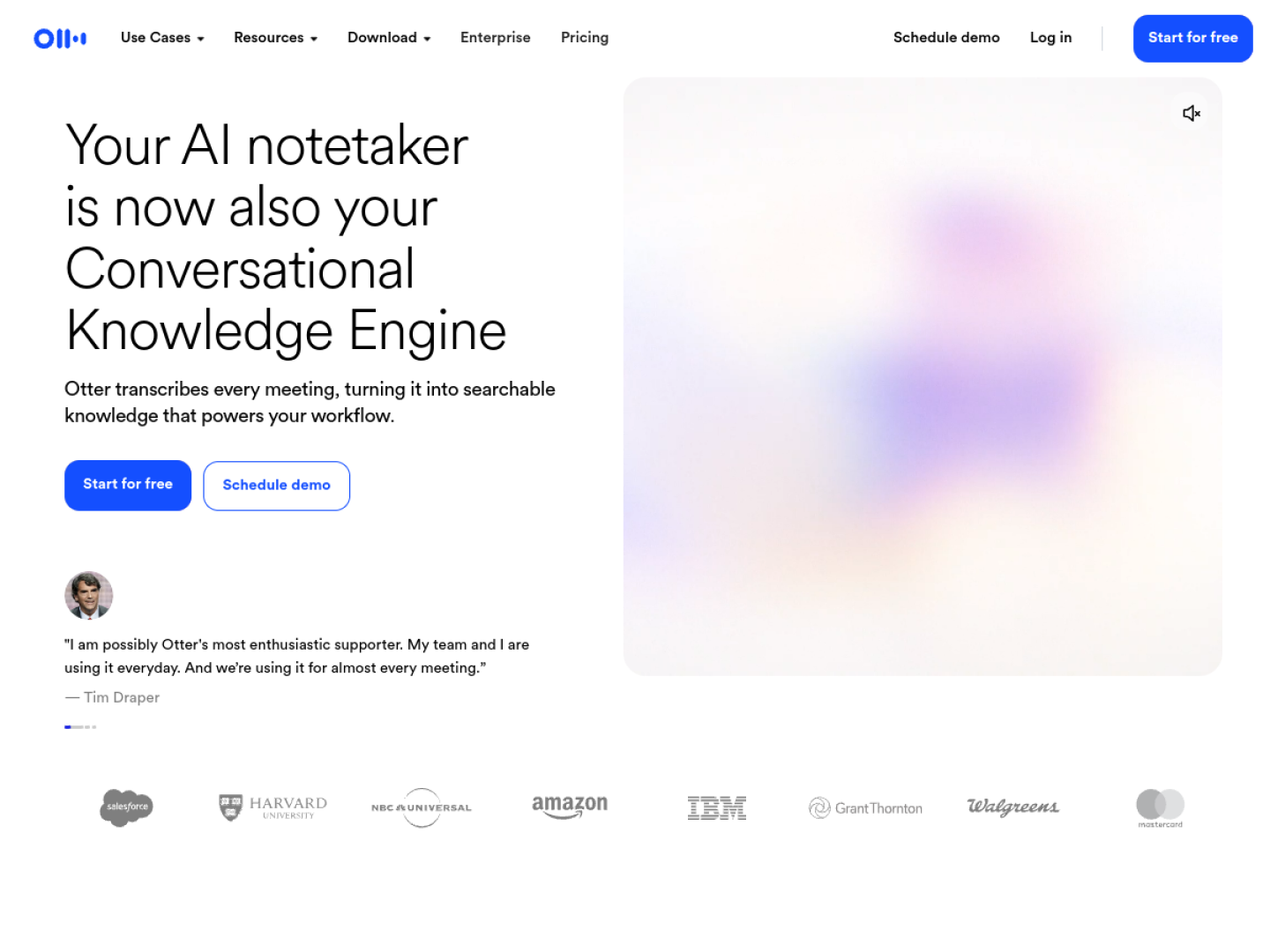
Otter.ai is the veteran of this category and it shows in the polish. Live transcription with speaker identification, an auto-joining notetaker for the big three meeting platforms, and an AI Chat that answers questions about what was discussed. It feels less like a recorder and more like a meeting workspace.
What stands out
- Live transcription with reliable speaker identification
- Auto-join notetaker for Zoom, Google Meet, and Microsoft Teams
- AI Chat for asking questions about past meetings
- Mobile recording and file imports for calls that happened elsewhere
Pricing
The free Basic plan includes 300 transcription minutes per month with a 30-minute cap per conversation. Pro is $16.99 per month or $8.33 per user per month on annual billing with 1,200 minutes and a 90-minute cap. Business is $30 monthly or $19.99 annual, and Enterprise is custom.
The catch
The meeting-duration limits on the free and Pro plans feel restrictive in 2026, and language coverage is narrower than Fireflies.
TAL’s Take
Pick Otter if you want the most established product with the best live-transcription experience, and you mostly meet in English on the big three platforms. Visit Otter.ai
3. Fathom
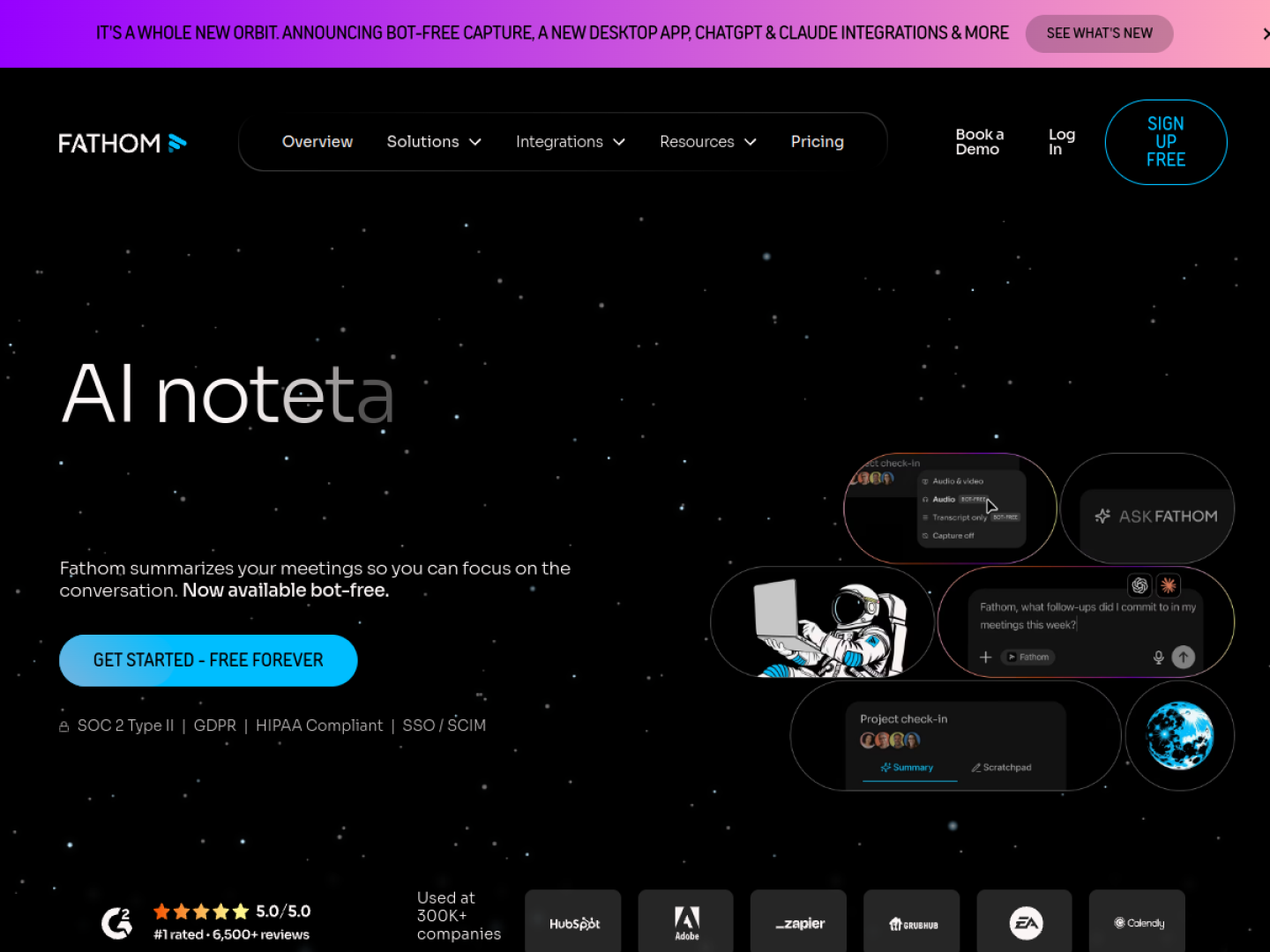
Fathom earned its place with the most generous free plan in this lineup. Unlimited recordings and transcription without paying a cent, instant AI summaries with action items, and highlight clips you can share as playlists. For an individual who just wants reliable notes, it is hard to argue with free.
What stands out
- Unlimited recordings and transcription on the free plan
- Instant AI summaries with action items after every call
- Highlight clips and playlists for sharing key moments
- Ask Fathom, a cross-meeting search layer on paid plans
Pricing
Free covers unlimited recordings and transcription. Premium is $16 per user per month annual ($20 monthly). Team is $15 per user per month annual with a 2-user minimum, Business is $25 annual, and Enterprise is custom.
The catch
There is no Webex or GoToMeeting support and no transcription of uploaded recordings. Bot-free capture exists but is a Mac-only beta.
TAL’s Take
The best free plan for individual users, full stop. Teams with complex needs will outgrow it, but solo users may never need to pay. Visit Fathom
4. Granola
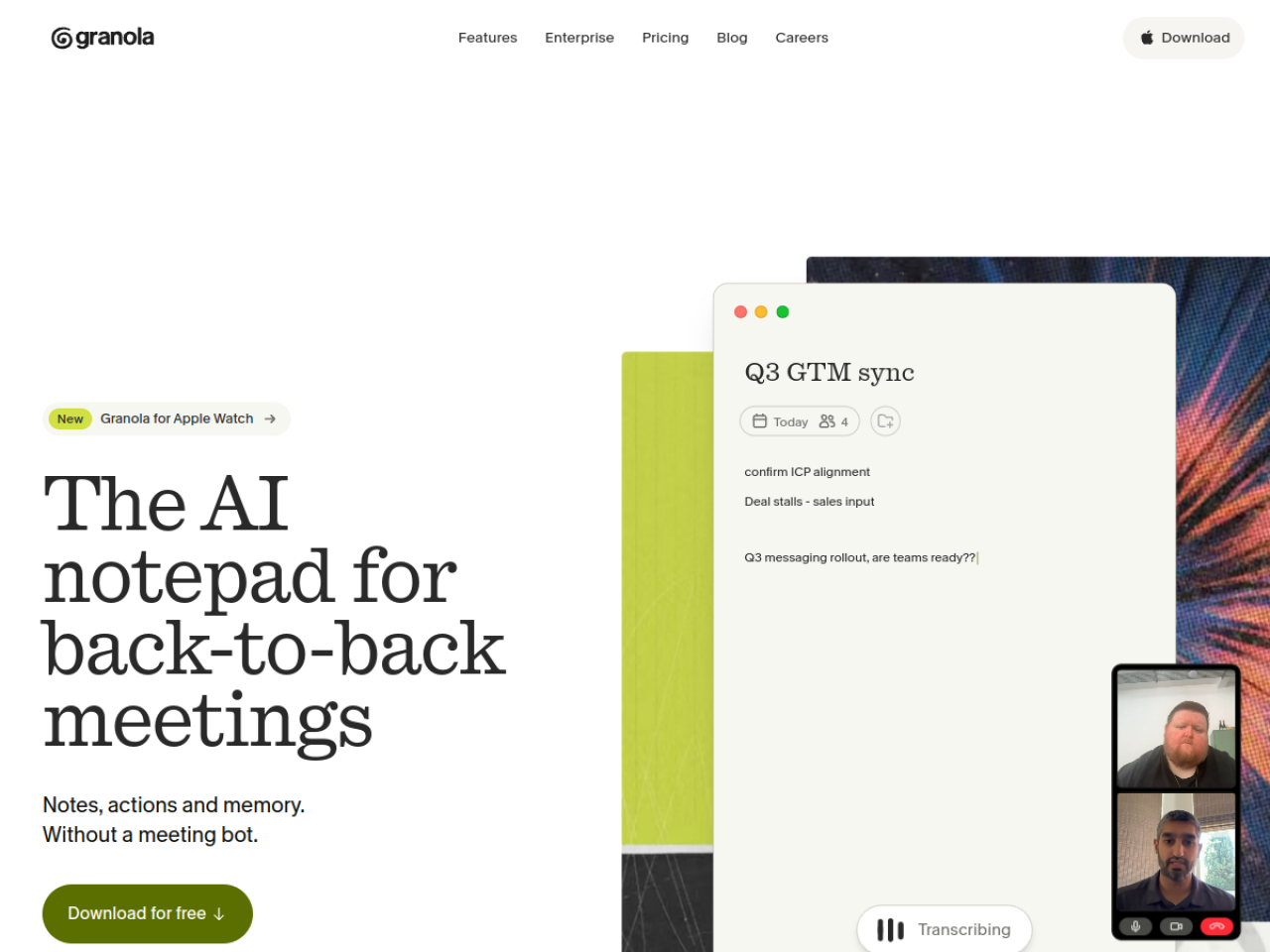
Granola takes the opposite approach to everyone else here. No bot ever joins your call. It captures audio on your device and enhances the notes you type during the meeting with AI after the fact. The result feels like your own notes, except complete and well organized.
What stands out
- No meeting bot, ever, so guests never see an unfamiliar participant join
- AI expands your scratch notes into complete summaries after the meeting
- AI chat within a single meeting and across your meeting history
- Integrations with Notion, Slack, HubSpot, Attio, and Zapier plus API access
Pricing
Basic is free with limited history. Business is $14 per user per month and Enterprise is $35 per user per month.
The catch
You have to take notes during the call for the best output, since the AI works from your input. Audio playback after processing is limited, and project-management integrations are thin.
TAL’s Take
For people who hate visible bots and take decent notes already, Granola is the most elegant option here. If you never open a notes app during calls, pick something with a bot instead. Visit Granola
5. tl;dv
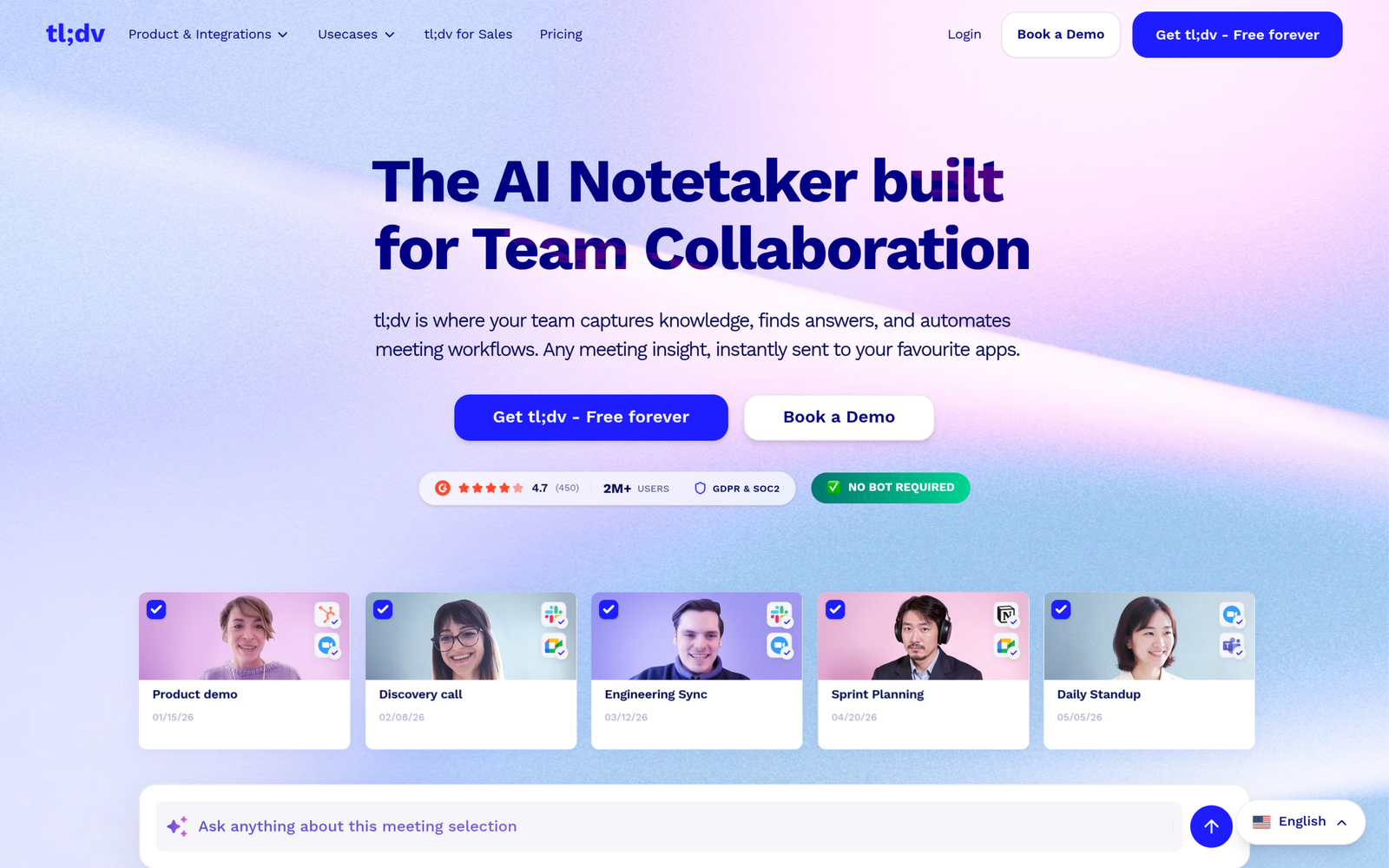
tl;dv is built around a simple observation. Most meeting value lives in a few 60-second moments, and those moments are worthless if nobody can find them. Timestamped notes, one-click video clips, and shareable highlights make it the best tool here for teams that live on async catch-up.
What stands out
- Unlimited recordings even on the free plan
- Timestamped notes and video clips designed for sharing
- Transcription in 30+ languages
- MEDDIC, BANT, and SPIN scoring plus playbook coaching on the Business plan
Pricing
Free covers unlimited recordings. Pro is $18 per seat per month annual ($29 monthly). Business is $29 per seat per month annual ($39 monthly). Enterprise is custom.
The catch
The free plan caps AI notes at 10 meetings lifetime and AI queries at 10, with only 3 months of retention. The real product starts on Pro.
TAL’s Take
If your team constantly shares meeting clips in Slack instead of writing summaries, tl;dv will feel like it was designed for you. Visit tl;dv
6. Avoma
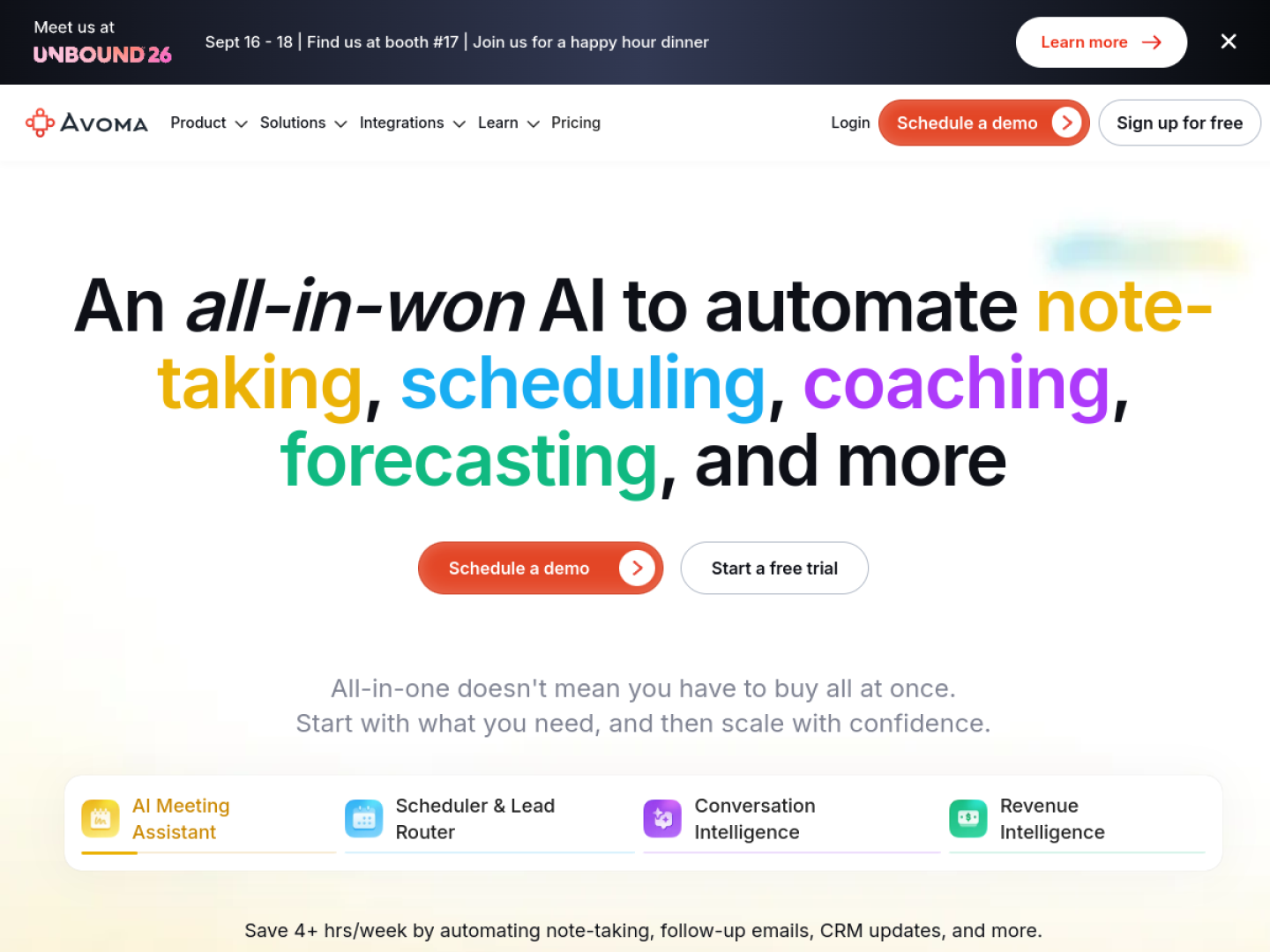
Avoma is the only tool on this list that also fixes the meeting before it starts. Alongside transcription and AI notes, you get a built-in scheduler for 1:1s and round-robins, and optional conversation and revenue intelligence add-ons that score calls against your playbook. It is a meeting platform that happens to take notes, not the other way around.
What stands out
- Unlimited transcription on the entry plan
- Built-in 1:1 and round-robin scheduler, no Calendly needed
- Notes auto-saved into Salesforce and HubSpot records
- Optional add-ons for conversation coaching and deal-risk forecasting
- Free view-only seats, so you only pay for people who record
Pricing
Startup is $19 per seat per month annual ($29 monthly, up to 25 seats). Organization is $29 annual and Enterprise is $39 annual with a 10-seat minimum. The conversation and revenue intelligence add-ons run roughly $29 per seat per month each. There is no free plan, but there is a 14-day trial.
The catch
The sticker price understates the real cost. A sales team using both add-ons lands closer to $80 per seat per month. And with no free plan, you are committing from day one.
TAL’s Take
Built for revenue teams that want notes, scheduling, and coaching in a single contract. If you only need notes, you are overpaying. Visit Avoma
7. Fellow
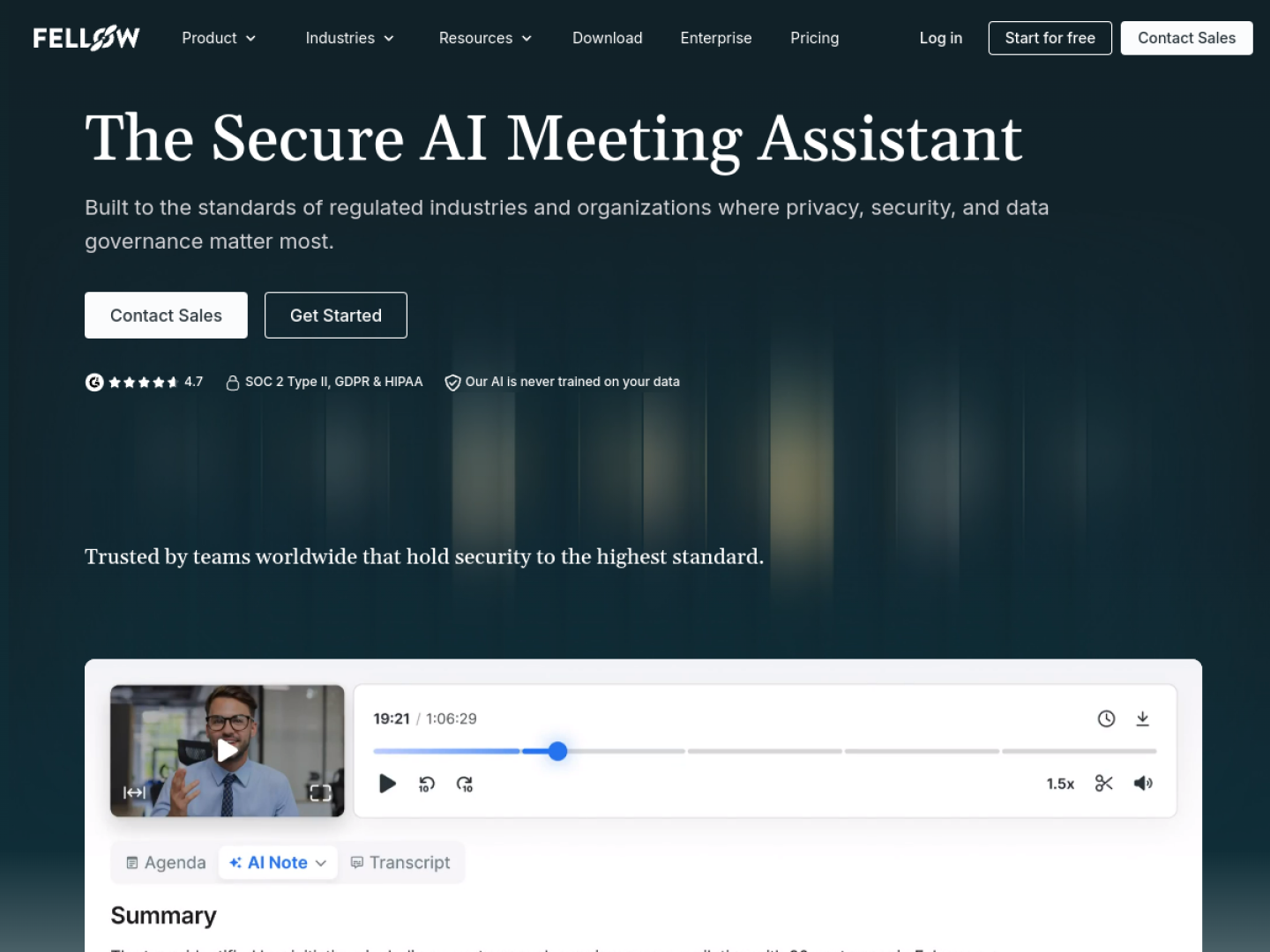
Fellow attacks the actual problem, which is not transcription but meeting discipline. Collaborative agendas, org-wide templates, AI notes with action items that get reminders, and cross-meeting search. The transcript is table stakes. The product is about making the meeting itself better.
What stands out
- Collaborative agendas and org-wide meeting templates
- AI notes with automatic action-item extraction and reminders
- Ask Fellow, a search layer across all your meetings
- SOC 2 Type II, GDPR, and HIPAA compliance on every plan
- Both bot and botless capture options
Pricing
Free includes 5 lifetime AI notes, which is really a trial. Team is $7 per user per month annual ($11 monthly, 10 AI notes per user per month, 20-seat maximum). Business is $15 annual with unlimited AI notes, and Enterprise is $25 with a 10-user minimum.
The catch
The free plan is lifetime-capped at 5 AI notes, and the Team plan caps notes at 10 per user per month with a 20-seat ceiling. Growing teams land on Business quickly.
TAL’s Take
If you run lots of recurring 1:1s and team meetings, Fellow’s agendas and action tracking will do more for you than a better transcript ever could. Visit Fellow
8. MeetGeek
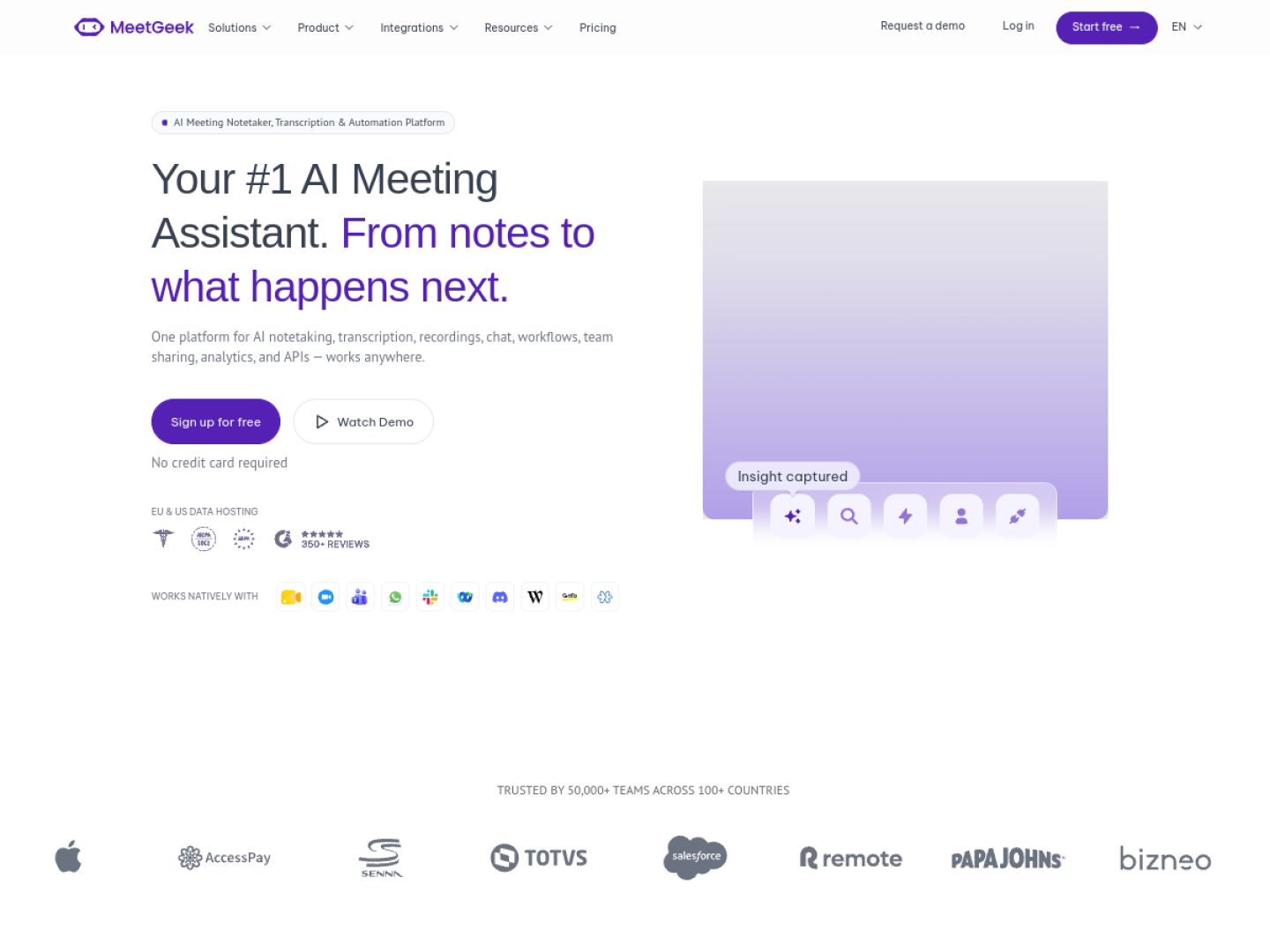
MeetGeek wins the value argument. Bot-free capture through a Chrome extension and desktop app, in-person recording on mobile, automatic summaries with action items and meeting analytics, and CRM sync on every plan including free. Few tools give you this much before asking for money.
What stands out
- Bot-free capture via Chrome extension and desktop app
- In-person recording on mobile for whiteboard sessions and coffees
- Automatic summaries, action items, and meeting analytics
- CRM sync on every plan, including the free one
- API and MCP access on the Pro plan
Pricing
Basic is free with 3 hours per month. Pro is $9.99 per user per month annual ($15.99 monthly, 20 hours per month). Business is $17 annual with unlimited hours. Enterprise is custom.
The catch
The hour caps on the lower plans will pinch heavy meeting users, and transcription accuracy drops on accented or noisy audio.
TAL’s Take
The most features per dollar on this list. If budget matters and you want CRM sync from day one, this is the value pick. Visit MeetGeek
9. Read AI
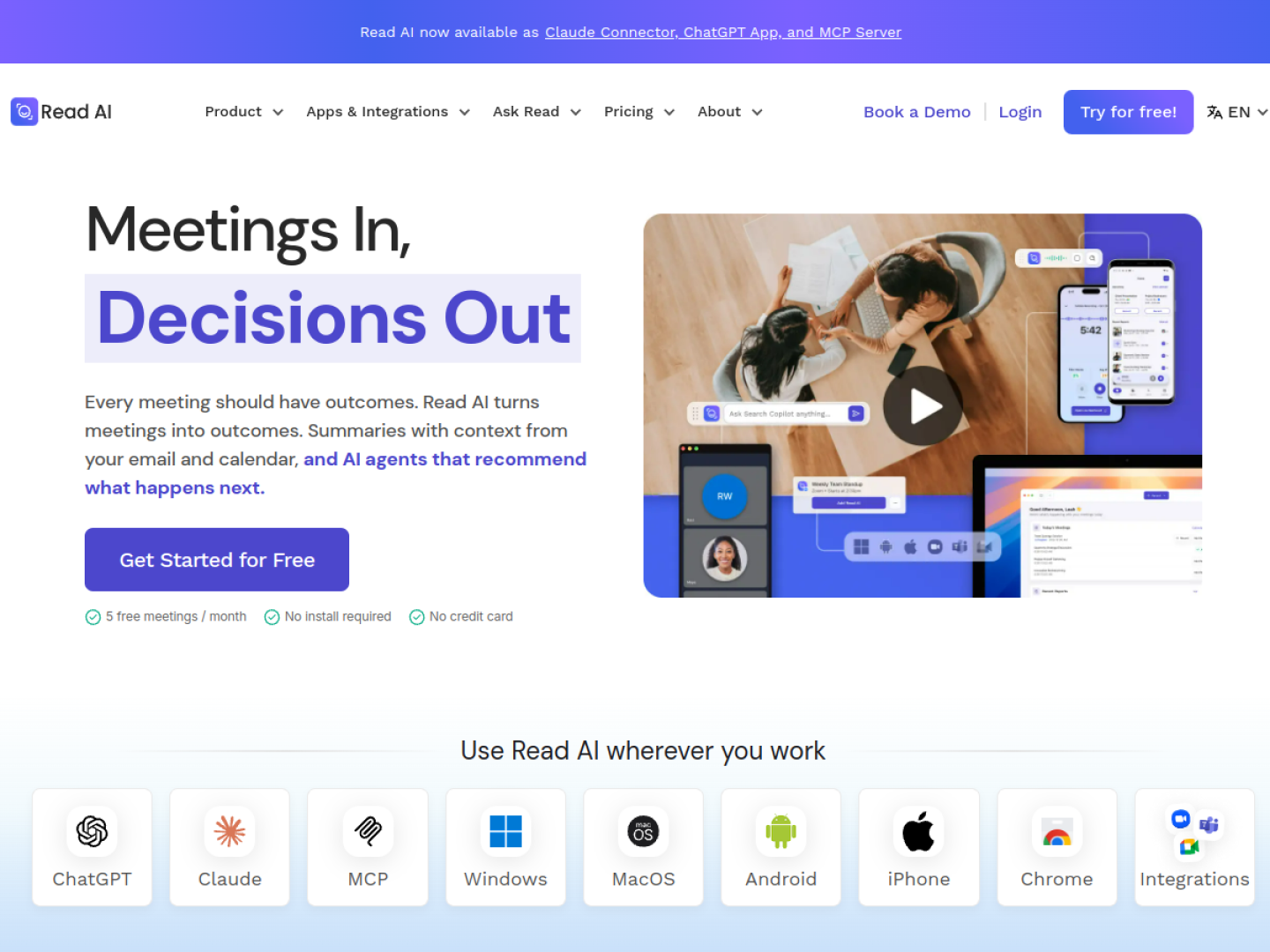
Read AI goes beyond notes into coaching. Real-time sentiment and engagement scoring during the call, a private Speaker Coach that gives you feedback on your communication, and enterprise search that spans meetings, email, Slack, and your CRM. It is the only tool here trying to make you better at meetings, not just better documented.
What stands out
- Real-time sentiment and engagement scoring
- Speaker Coach with private communication feedback
- Enterprise search across meetings, email, Slack, and CRM
- Support for 20+ languages
- Claude connector, ChatGPT app, and MCP server for AI workflows
Pricing
Free covers 5 transcripts per month with a 1-hour cap. Pro is $15 per user per month annual ($19.75 monthly, 4-hour cap). Enterprise is $22.50 annual and Enterprise+ is $29.75 annual with a 5-license minimum.
The catch
Audio and video playback is only on Enterprise plans, and sentiment analysis can misread cultural and contextual cues. Treat the scores as directional, not gospel.
TAL’s Take
Pick Read AI if you want coaching on how you run meetings plus search across your whole workspace. If you just need notes, simpler tools cost less. Visit Read AI
10. Circleback
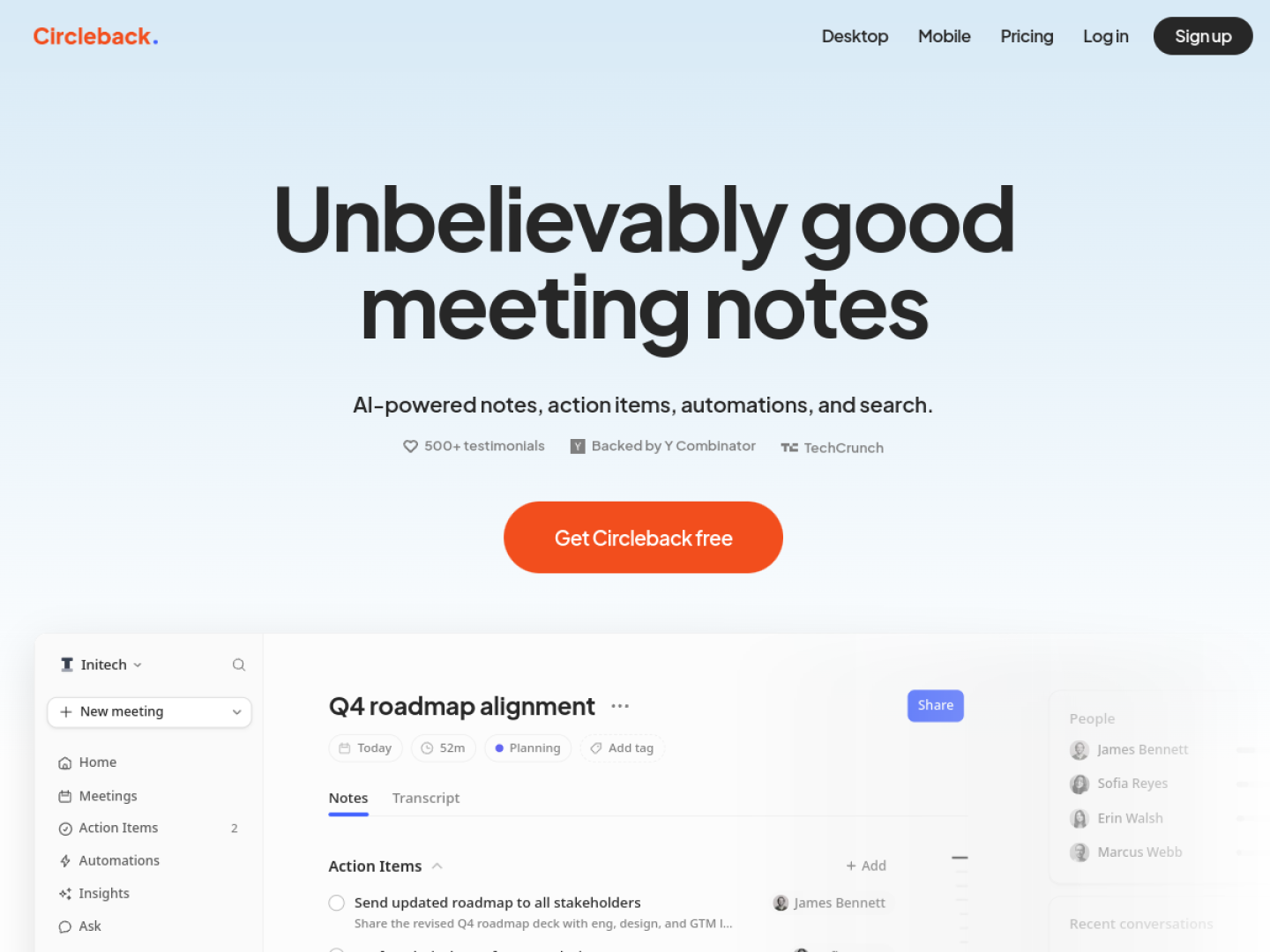
Circleback is the automation nerd’s meeting assistant. Its automation builder watches for specific meeting types and creates tasks in Linear, HubSpot, or Notion the moment the call ends. Notes are the starting point. The product is what happens after the meeting without anyone lifting a finger.
What stands out
- Automation builder that turns meeting outcomes into tasks in Linear, HubSpot, and Notion
- Speaker-labeled transcripts with bot and bot-free desktop capture
- Mobile recording and Slack tag-based routing
- API, MCP, and CLI access even on the free plan
Pricing
Free covers unlimited meetings with 30 days of history. Pro is $15 per user per month annual ($18 monthly). Business is $25 annual and Enterprise is $35 on annual-only billing.
The catch
The free plan keeps only 30 days of history, and paid plans are per-user, so costs scale fast on big teams.
TAL’s Take
If your dream is a meeting ending with tasks already filed in the right tools, Circleback is the closest thing to that dream on this list. Visit Circleback
How we evaluated
We started with 23 AI meeting assistants and screened each one against the workflows teams actually use. That meant going through product documentation, current pricing pages, and verified buyer reviews, and cutting anything we could not verify or that did not earn its place. Tools that were platform-locked, priced out of reach for teams, or built for a different job (like sales forecasting) did not make the final 10.
Pricing changes fast in this category, so treat the numbers above as a snapshot and confirm the current plan before you buy. Where a vendor does not publish pricing, we say so instead of guessing.
Which one should you pick
There is no single best meeting assistant. There is only the best one for how your team actually meets. Work through these scenarios and pick the one that sounds like you.
If your team meets in several languages or across many platforms
Fireflies.ai. Nothing else here matches its language coverage and integration list at this price.
If you refuse to put a bot in your calls
Granola. No bot ever joins, and the AI-polished version of your own notes is genuinely pleasant to read. MeetGeek’s bot-free capture is the budget alternative.
If you want to pay nothing
Fathom. Unlimited recordings and transcription on the free plan is unmatched, as long as you meet on Zoom, Meet, or Teams.
If you run a sales team
Avoma if you want notes, scheduling, and coaching in one contract. tl;dv if your team lives on shared clips and you want playbook scoring without the enterprise price tag.
If your meetings need agendas and follow-through
Fellow. Agendas, templates, and action-item reminders fix the meeting itself, not just the notes.
If you want meetings to create tasks by themselves
Circleback. Its automation builder files tasks into Linear, HubSpot, or Notion the moment the call ends.
One broader pattern worth noticing. The category is splitting in two. Half of these tools are racing to be the best recorder, and the other half are becoming meeting operating systems with coaching, search, and automation. If you only need notes, buy the recorder and save your money. If meetings are where your company makes decisions, buy the operating system.