Talking avatar generators can turn a single photo or a written script into a video of a lifelike presenter speaking with synced lip movements. For creators, this means producing news-style videos without a camera, studio, or shoot day. For teams, it means turning one script into explainers, updates, and other videos in multiple languages.
The category has improved quickly and the tools are now able to create avatars that look convincing even on phone screens, produce natural-sounding voice clones, and can render a 30-second video in around a minute. The key differences come down to lip-sync quality, how natural the avatar looks in vertical videos, voice quality, editing options, and pricing when you start publishing regularly.
We tested several of these tools ourselves. Our team needed a news-reporter-style presenter for our Instagram channel, so we ran real scripts through multiple platforms and published more than ten videos. After testing them in a real workflow, we chose Hedra for our own content.
That said, Hedra may not be the best choice for everyone. Your ideal tool will depend on what you need, whether that is more realistic avatars, better voice cloning, easier editing, lower costs, more languages, or a specific type of video.
The ranking below combines our hands-on testing with research into the features, pricing, and use cases of each platform, so you can choose the tool that fits your workflow.
Quick winners
| Tool | Best for |
|---|---|
| Hedra | Our tested pick for news-reporter style videos made from a single photo |
| HeyGen | Best all-rounder with the strongest avatar realism overall |
| D-ID | Cheapest way to turn photos into talking videos |
| Synthesia | Corporate training teams |
| Captions | Mobile-first option for social creators |
The 10 best AI talking avatar generators in 2026
1. Hedra
What stands out
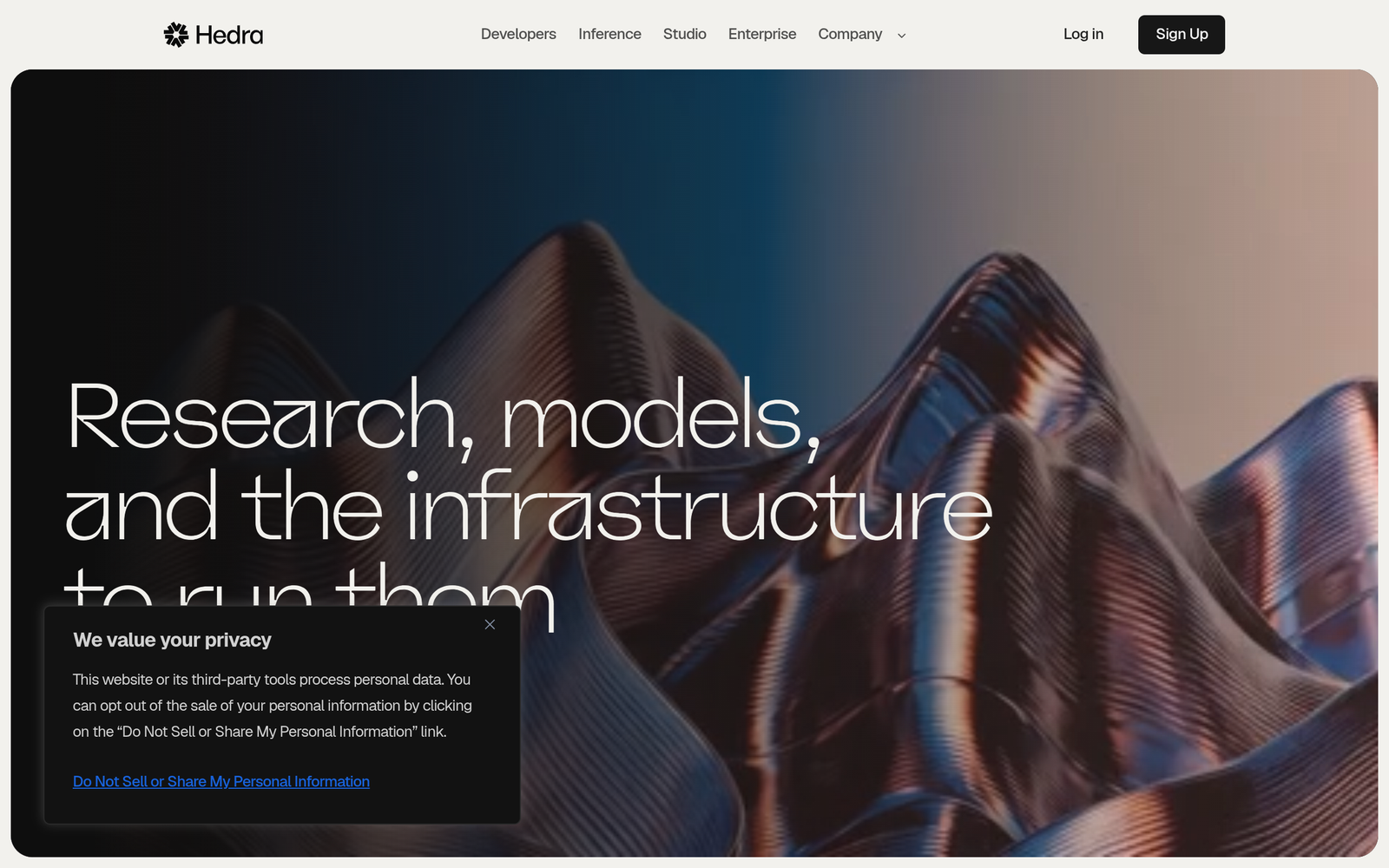
Hedra turns a photo and an audio clip into a hyper-realistic talking or singing character using its Character-3 model. This is the tool our team chose after testing it for two months.
We needed a news-reporter style presenter for our Instagram channel, and Hedra gave us the most natural lip-sync and facial expressiveness from a single image. We have published more than ten videos made with it. It supports vertical 9:21 output, multiple emotion styles from a whisper to a shout, and even a singing mode. Generations are fast enough for a daily publishing rhythm.
Below is one of our own videos, made entirely with Hedra, so you can judge the quality yourself.
Pricing
Hedra has a free tier to test with. Paid plans start at $20 per month for 2,000 credits on Basic, $50 per month for 7,200 credits on Pro, and $100 per month for 18,000 credits on Ultra.
A Teams plan runs $75 per month. As a rough guide, a month of daily 30-second reporter clips fits comfortably inside the Basic plan, while longer or higher-volume output pushes you toward Pro.
The catch
Credit burn climbs fast if you generate long videos, so five-minute-plus content gets expensive. Hedra has also repositioned itself as visual AI infrastructure in 2026, with the no-code Studio product sitting alongside its developer platform, which raises fair questions about where its focus goes next.
TAL’s Take
Our pick for photo-to-presenter videos. Nothing else we tested matched its expressiveness from a single image at this price. If your workflow is a daily talking-head clip for social, start here. Readers with different needs, such as corporate training or multilingual marketing, should weigh the options below on their own merits.
2. HeyGen
What stands out
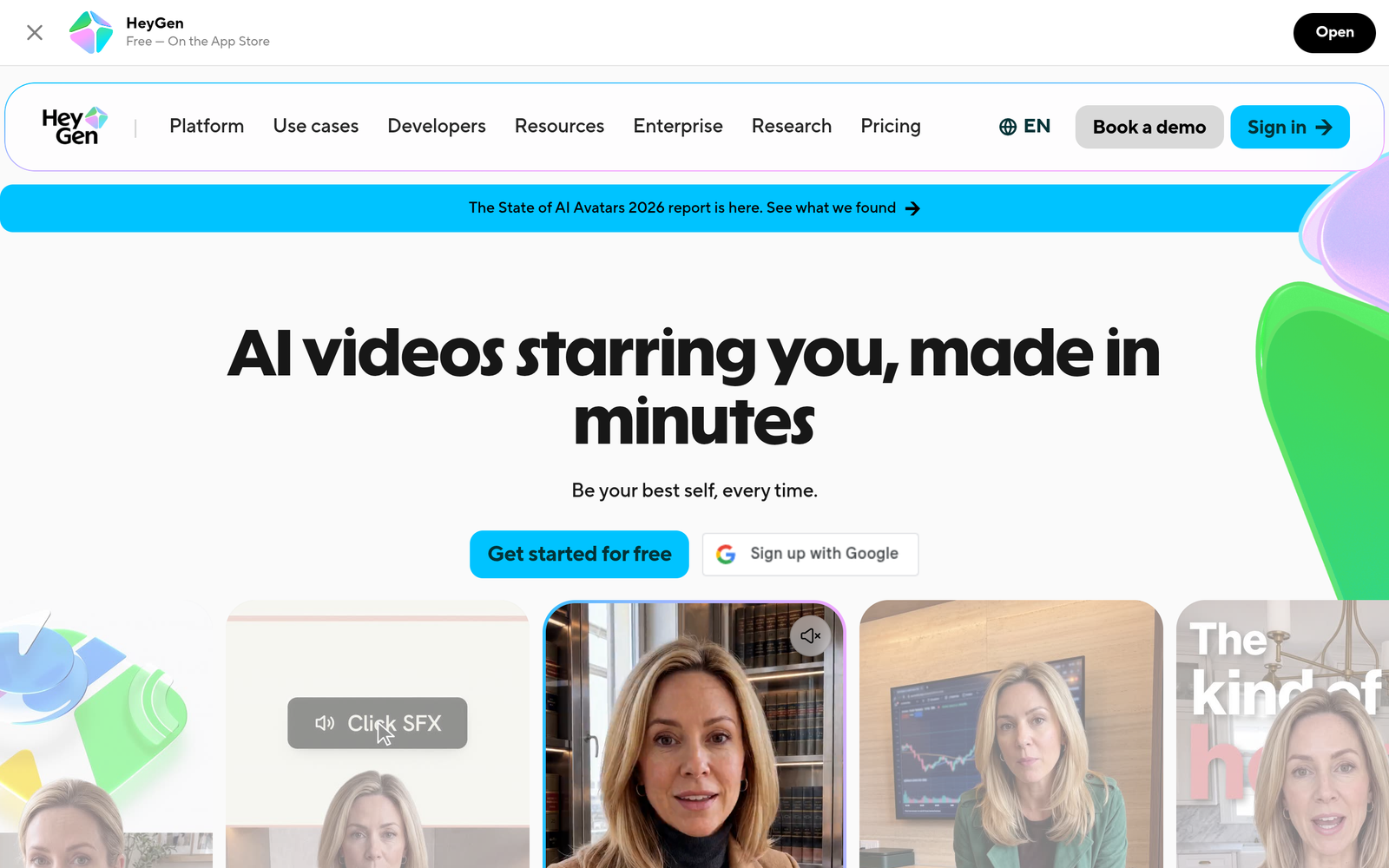
HeyGen is the most complete avatar video platform in this roundup. Its Avatar V engine produces the most realistic stock avatars we have seen, paid plans include unlimited photo avatars, and its video translation preserves voice tone across more than 175 languages with synced lip movement. Rendering is fast, typically around a minute, and it is built for social and marketing workflows with vertical output and an API.
Pricing
The free plan includes 3 videos per month. Creator costs $29 per month, or $24 per month billed annually, with 600 credits, unlimited photo avatars, watermark removal, and voice cloning. Pro is $49 per month with 1,000 credits and 4K export. A 30-second avatar clip typically costs a small handful of credits, so the Creator plan covers roughly a few dozen short videos per month before top-ups.
The catch
The credit system is the real price tag. The most realistic avatars burn credits faster, and every re-edit re-renders and re-charges. The free tier is thin at three short videos per month, and 4K export requires the Pro plan.
TAL’s Take
The best all-rounder. If you want one platform that handles avatars, translation, and voice cloning at high quality, HeyGen is the safest choice. It costs more than Hedra or D-ID for simple talking-photo clips, but it does far more.
3. D-ID
What stands out
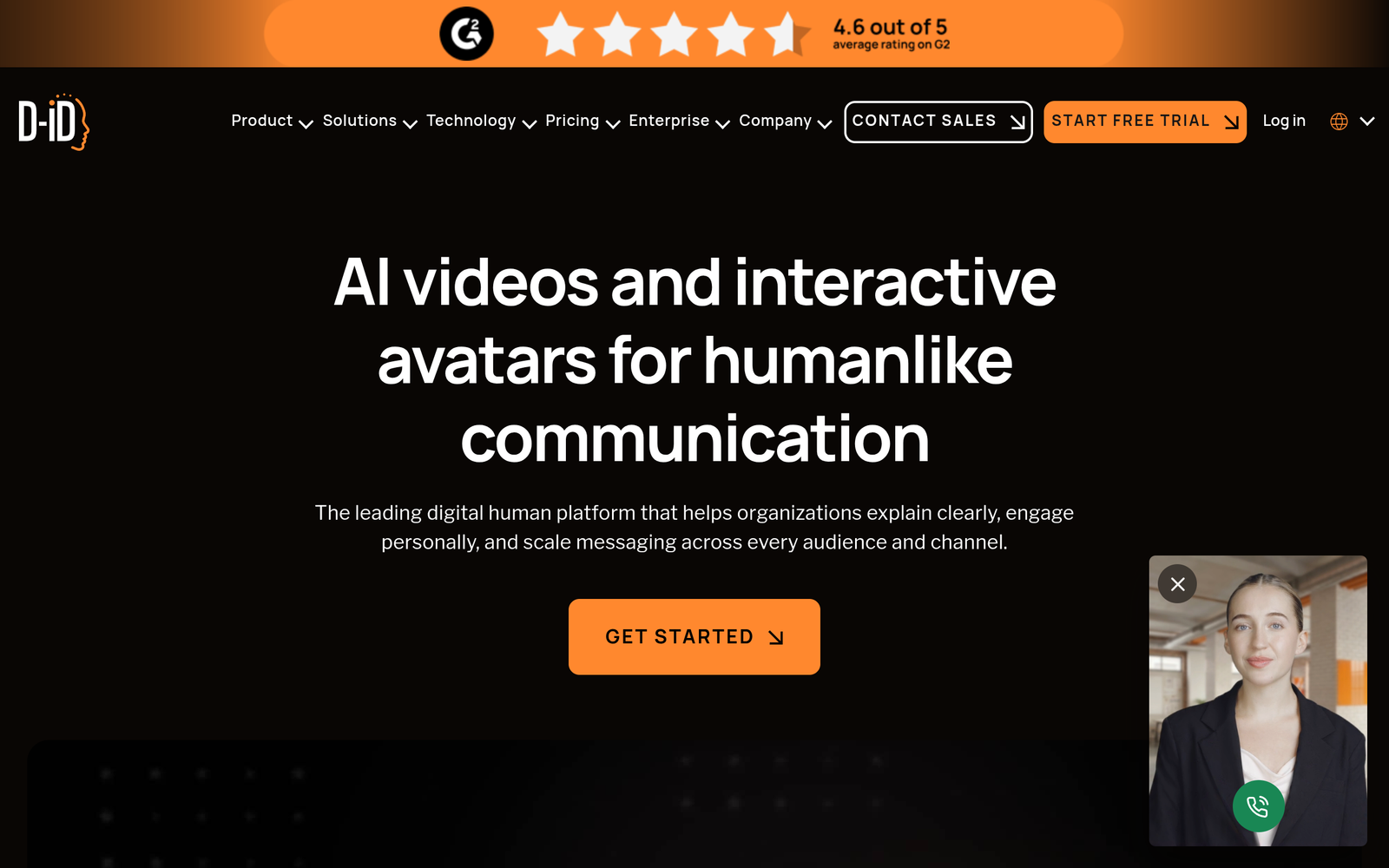
D-ID is the dedicated talking-photo specialist. Upload any still image and it becomes a lip-synced talking video, with dubbing across 119 languages and a mature API for generating personalized videos in bulk. It also offers real-time conversational agents. For straightforward photo-to-video at scale, nothing else is this affordable.
Pricing
There is a free trial with a watermark. Paid plans start at $5.90 per month for Lite, $29 per month for Pro, and $196 per month for Advanced, with lower effective rates on annual billing. API packages start from $18 per month. Note that D-ID’s official pricing page did not display plan cards when we checked, so treat these figures as reported by independent reviews and confirm on the site before buying.
The catch
Videos carry a watermark until the Pro plan. Minute quotas are small, with 15 minutes per month on Pro, and unused minutes do not roll over. Avatar realism sits a notch below HeyGen and Hedra.
TAL’s Take
The budget pick for talking photos. If your use case is literally “make this photo talk” repeated many times, D-ID is the cheapest credible option. Step up to HeyGen or Hedra when realism matters more than price.
4. Synthesia
What stands out
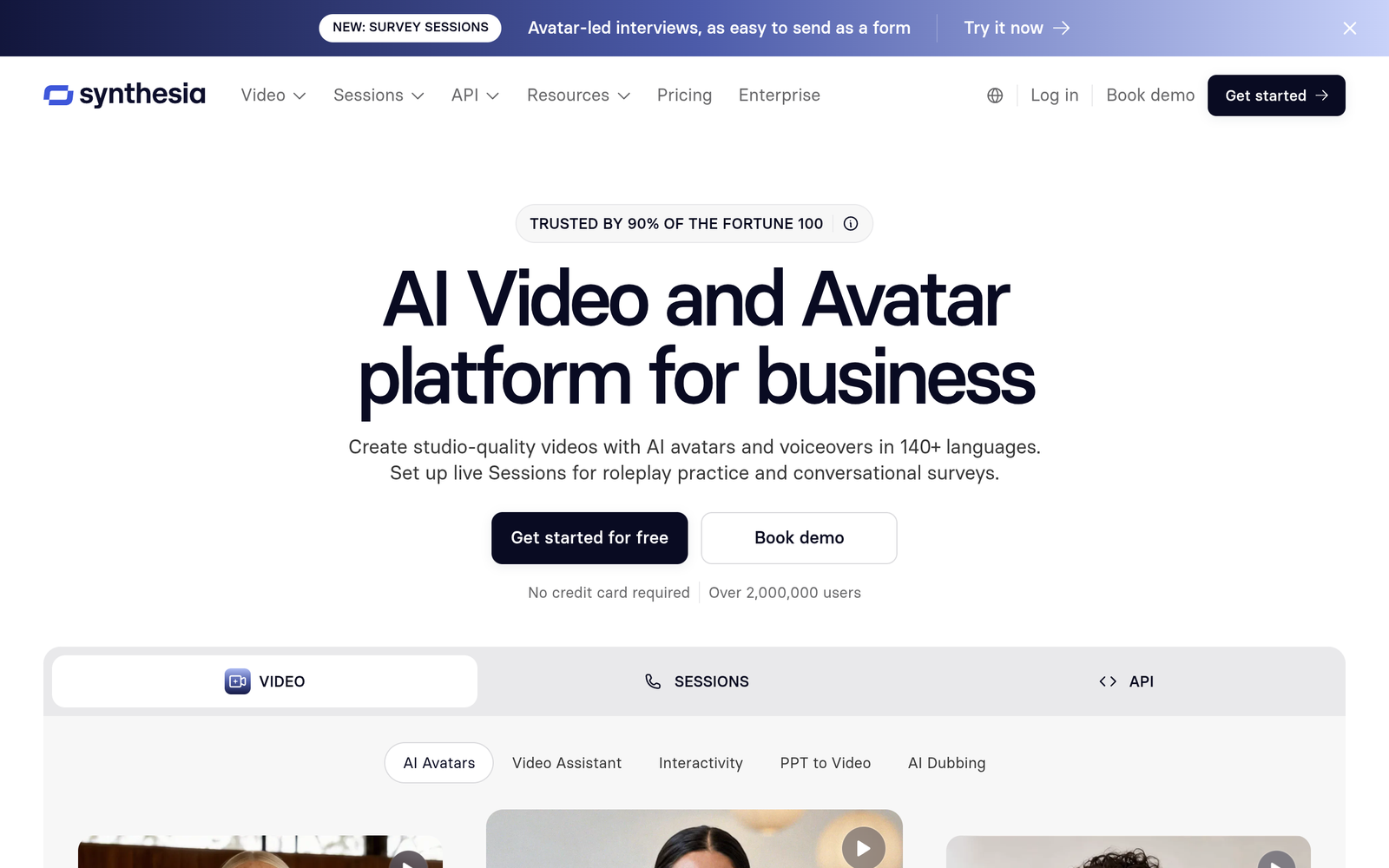
Synthesia is the enterprise standard for AI video, used across most of the Fortune 100. It offers more than 230 stock avatars, personal avatars that act as digital twins, one-click translation with lip-sync in over 140 languages, and interactive video with quizzes and branching. SCORM export makes it a natural fit for learning management systems.
Pricing
The Basic plan is free with 10 minutes of video per month and a watermark. Starter costs $29 per month, or $18 per month billed annually, with about 12 minutes of video. Pro is $89 per month, or $64 annually, with about 60 minutes. Enterprise is custom. For a team producing a weekly 5-minute training video, the Pro plan is the realistic entry point.
The catch
This is a corporate training tool first. There is no real video editor, rendering is slower than the social-first tools, and avatar delivery can feel flat for entertainment content. The minute quotas are the binding constraint on every plan.
TAL’s Take
The best choice for training, onboarding, and internal comms at scale. Wrong shape for daily social content, where Hedra or HeyGen will serve you better and cheaper.
5. Captions (Mirage)
What stands out
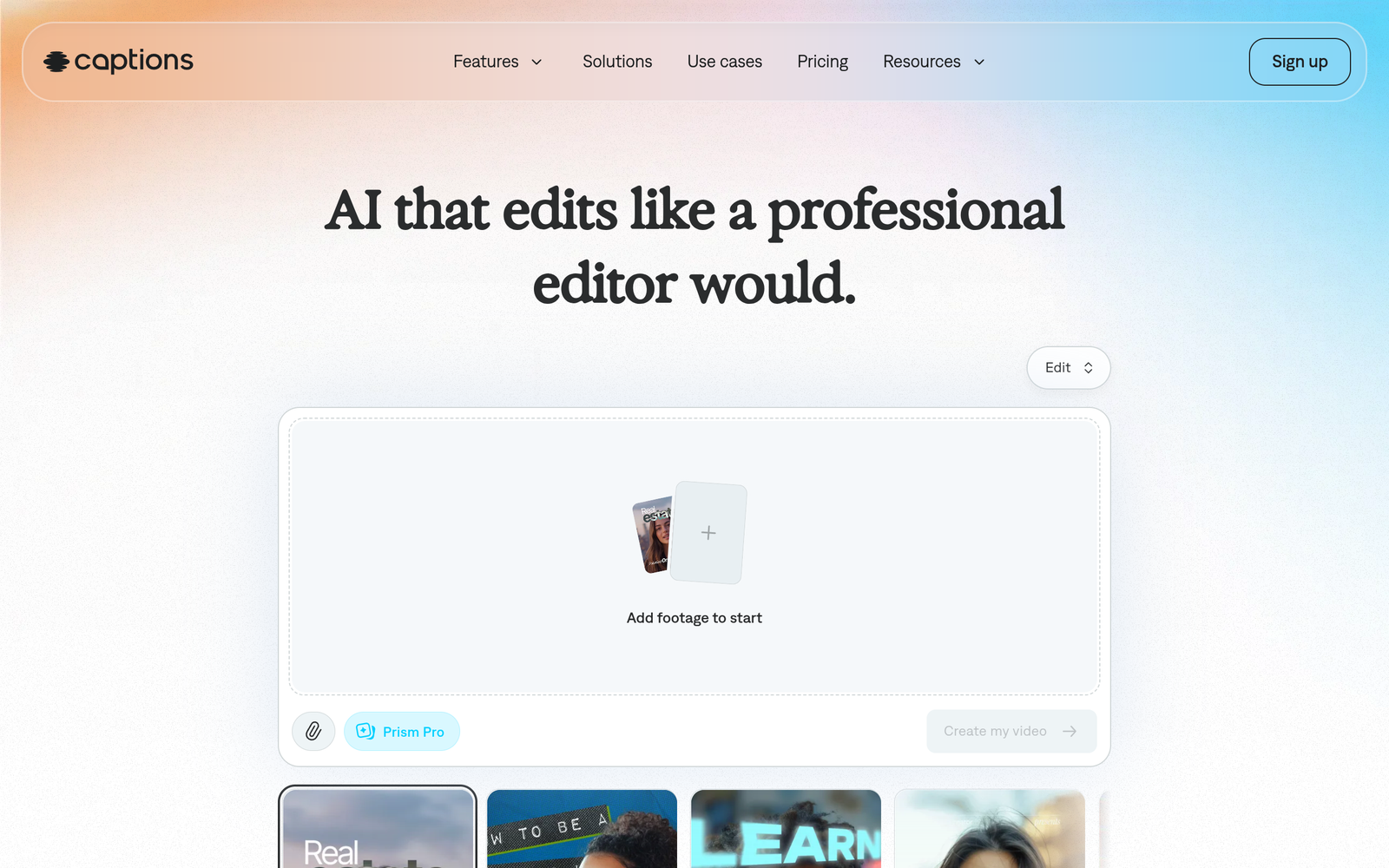
Captions, now rebranded as Mirage, is a mobile-first AI video suite built for social creators. You can generate, edit, and export talking videos from your phone, with AI actors and digital twins, auto-captions, and dubbing with lip-sync in more than 40 languages. Its Mirage model produces influencer-style presenters with natural imperfections, which suits UGC-style ads and Reels.
Pricing
The Max plan costs $24.99 per month with 500 credits, and Frontier is $69.99 per month with 1,400 credits. A free tier exists with limited features. Note that the published pricing reflects iOS plans, and web pricing may differ. A typical 30-second AI actor clip consumes a modest credit chunk, so the Max plan covers regular short-form output.
The catch
Credit consumption varies by feature, which makes costs harder to predict than minute-based plans. The avatar aesthetic is locked into an influencer look, so it will not suit a newsroom or corporate style. Long-form presenter workflows are not its strength.
TAL’s Take
The best option if you live on your phone and your content looks like UGC. For a polished news-reporter presenter, Hedra or HeyGen will look more professional.
6. DeepBrain AI
What stands out
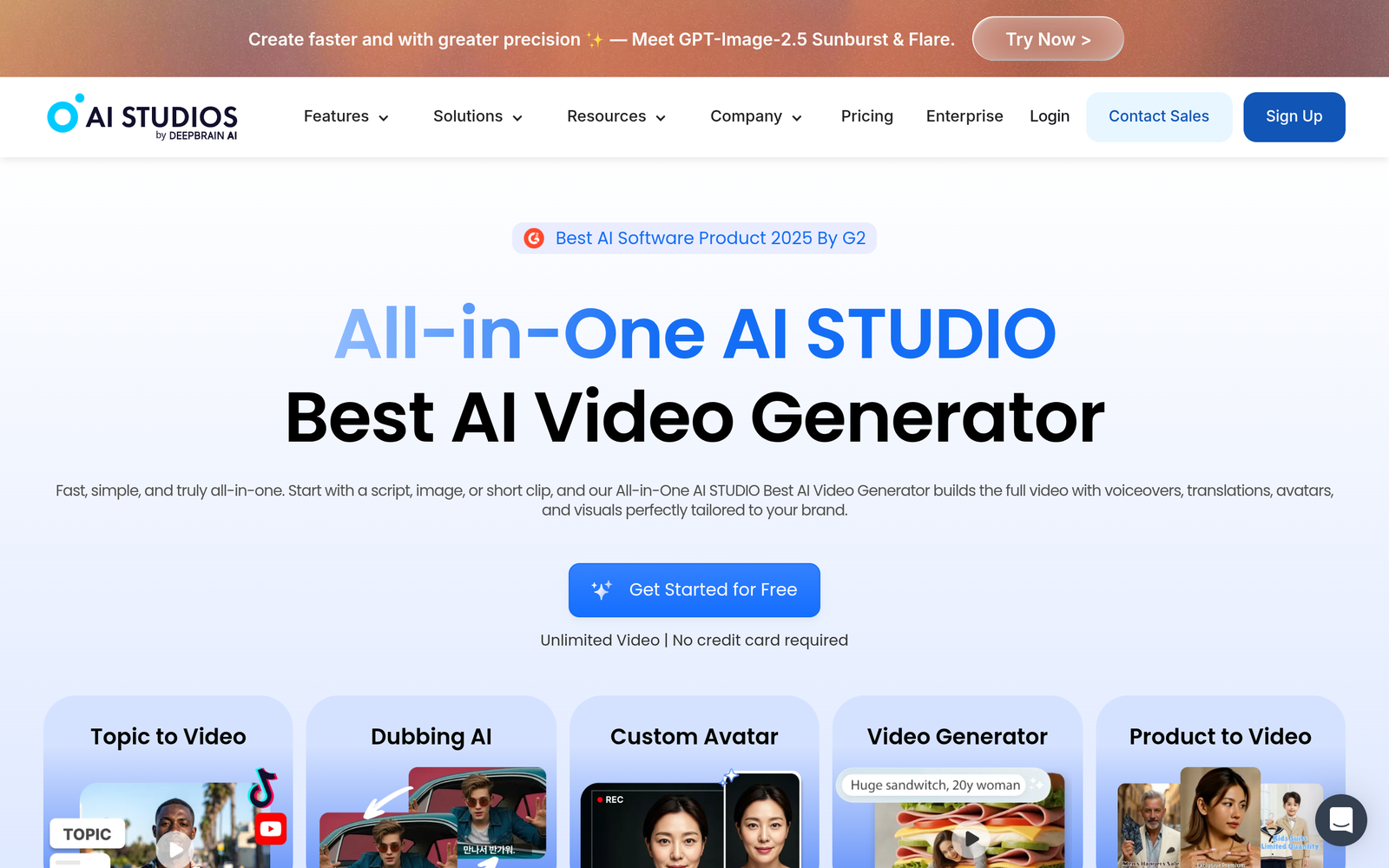
DeepBrain AI Studios offers more than 2,000 AI avatars with a broadcast feel, plus AI dubbing with lip-sync and real-time interactive avatars for kiosks and customer service. The editor builds in generative video models and thousands of templates, and multi-avatar scenes with gesture control go beyond simple talking heads.
Pricing
The free plan includes 3 short videos per month. Personal costs $24 per month with unlimited videos up to 30 minutes each, 3 custom avatars, and 120 minutes of AI dubbing per month. Team is $55 per seat per month with 4K export and more dubbing minutes. Enterprise is custom.
The catch
Credits and dubbing minutes reset monthly with no rollover. Avatar realism trails the top tier, and the interface carries some complexity from the breadth of features.
TAL’s Take
Strong value for broadcast-style avatars and dubbing at $24 per month. A sensible alternative to Synthesia for teams that also want interactive avatars.
7. Colossyan
What stands out
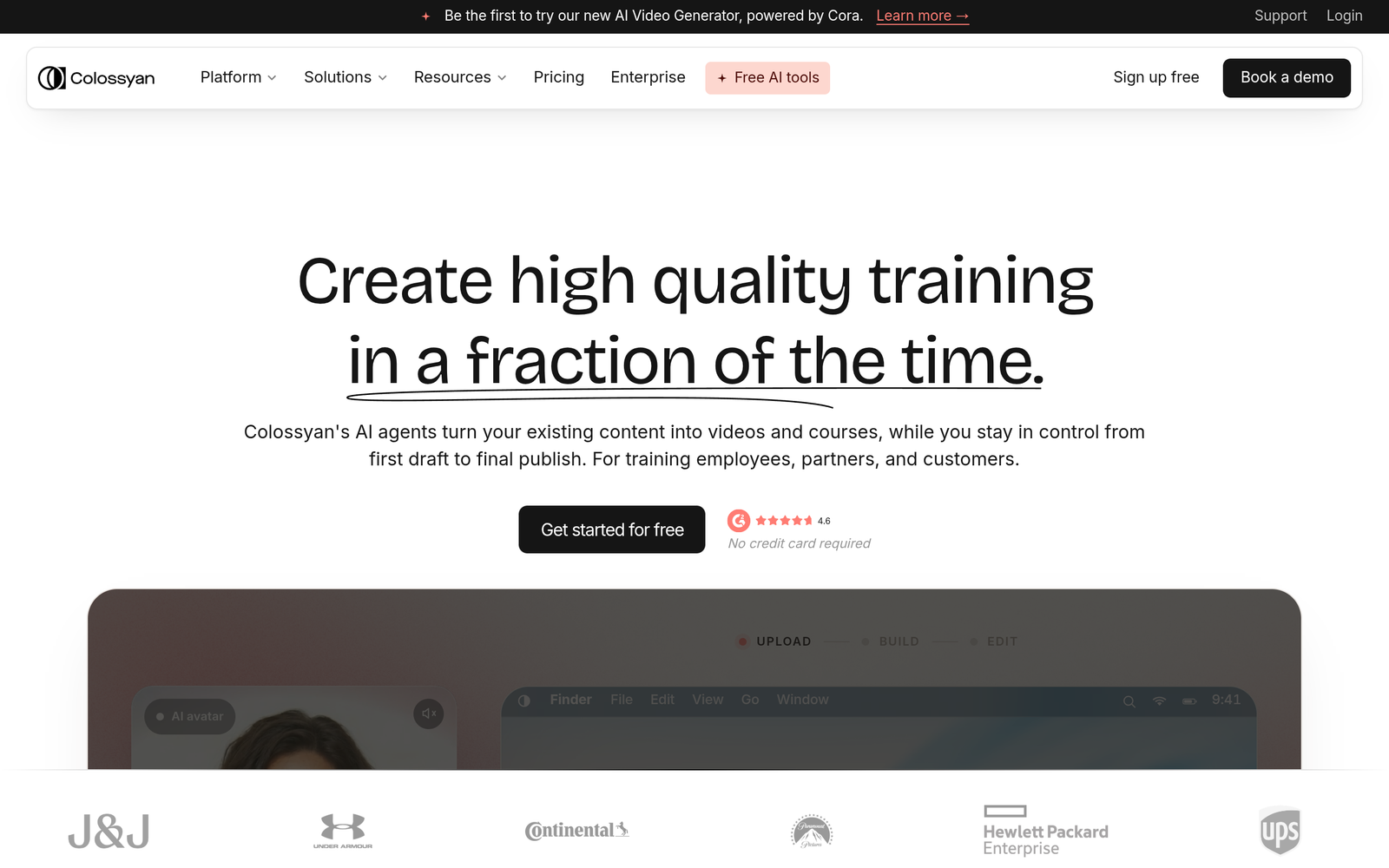
Colossyan is built for learning and development teams turning scripts, slides, or PDFs into avatar-led courses. It offers branching scenarios with quizzes, SCORM export for LMS platforms, and auto-translation that converts narration, text, and interactive elements together in over 120 languages.
Pricing
The Starter plan is free with 20 minutes per month. Professional costs $59 per month on yearly billing with 30 minutes per month, watermark removal, and SCORM exports. Enterprise is custom with unlimited minutes and 4K.
The catch
This is not a social content tool. The highest-quality avatar minutes are tightly capped, unused minutes do not roll over, and the workflow assumes training content rather than daily publishing.
TAL’s Take
The best fit for L and D teams that need quizzes, branching, and SCORM. Creators should look at the top three instead.
8. Elai.io
What stands out
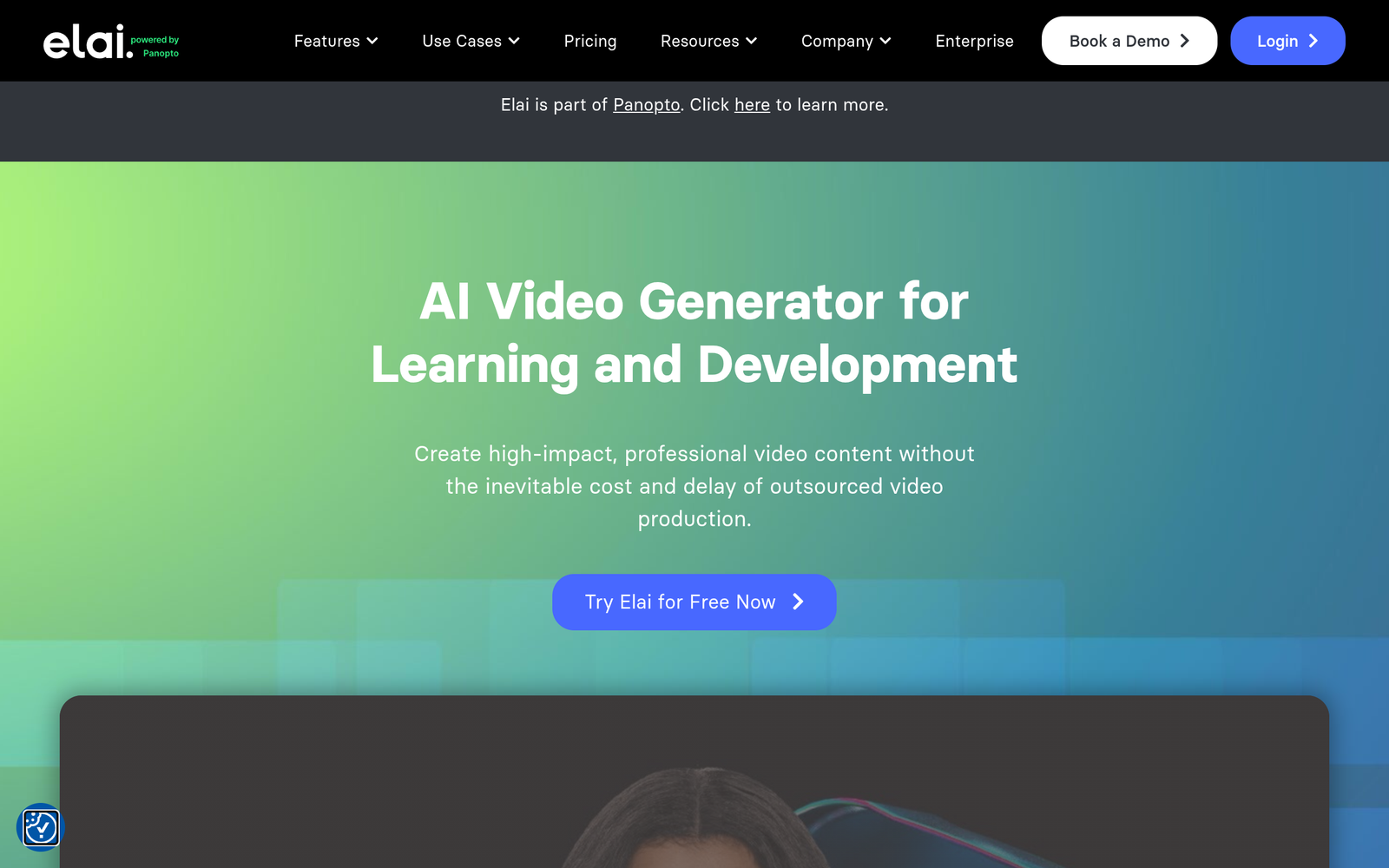
Elai.io is the budget text-to-video platform with avatars, and its standout trick is automation. It converts URLs and slide decks directly into avatar videos, supports interactive quizzes and SCORM, and covers more than 75 languages. For turning documents into videos fast, it is hard to beat on price.
Pricing
There is a free plan with one minute of rendering. The Creator plan is reported at $29 per month for 15 minutes per month, and Team at $125 per month for 50 minutes. Elai’s official pricing page did not display plan cards when we checked, so confirm current prices on the site before buying.
The catch
Avatar realism is the weakest among the paid tools here, with occasional compositing issues and flat voice delivery. The company was acquired by Panopto in 2024, which adds some uncertainty about the product roadmap.
TAL’s Take
The cheapest per-minute route from document to avatar video. Acceptable when volume matters more than realism, but test the output quality before committing.
9. VEED
What stands out
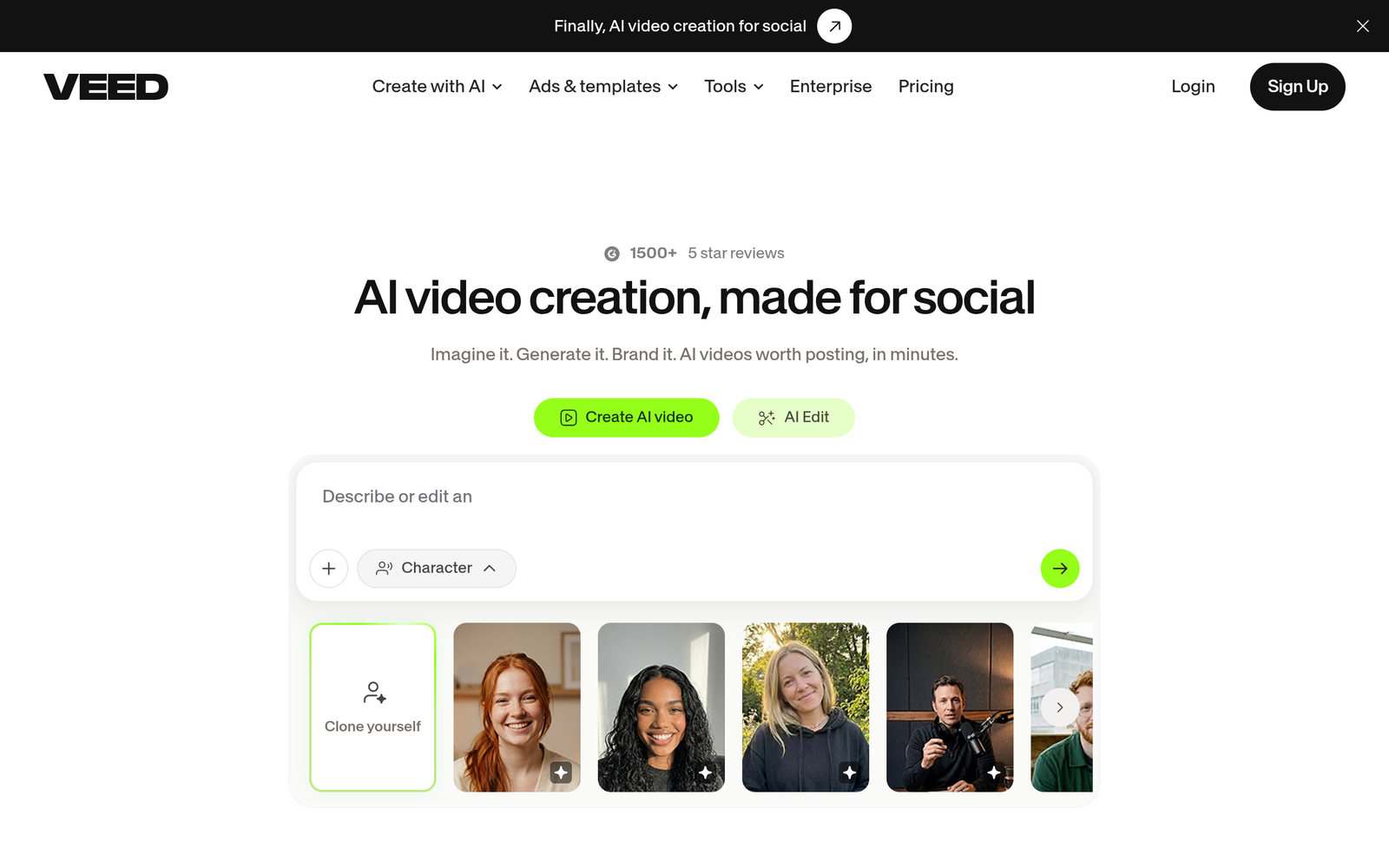
VEED is a full video editor in the browser with AI features layered on top, including AI avatars, auto-subtitles, translation, and a teleprompter. If your workflow is editing real footage and you want avatar generation as a bonus rather than the main event, this combination is convenient.
Pricing
The free plan watermarks every export. Paid plans are reported at $147 per year for Creator, $265 per year for Pro, and $465 per year for Studio. VEED’s official pricing page did not display plan cards when we checked, and plan names have changed recently, so confirm on the site before buying.
The catch
The avatars are less expressive than the dedicated tools, AI features are gated behind credits, and dubbing requires a paid plan. Pricing has been in flux, which makes long-term planning harder.
TAL’s Take
Buy it for the editor and subtitles, treat avatars as a bonus. If avatars are the main job, the dedicated tools above deliver better results.
10. Runway
What stands out
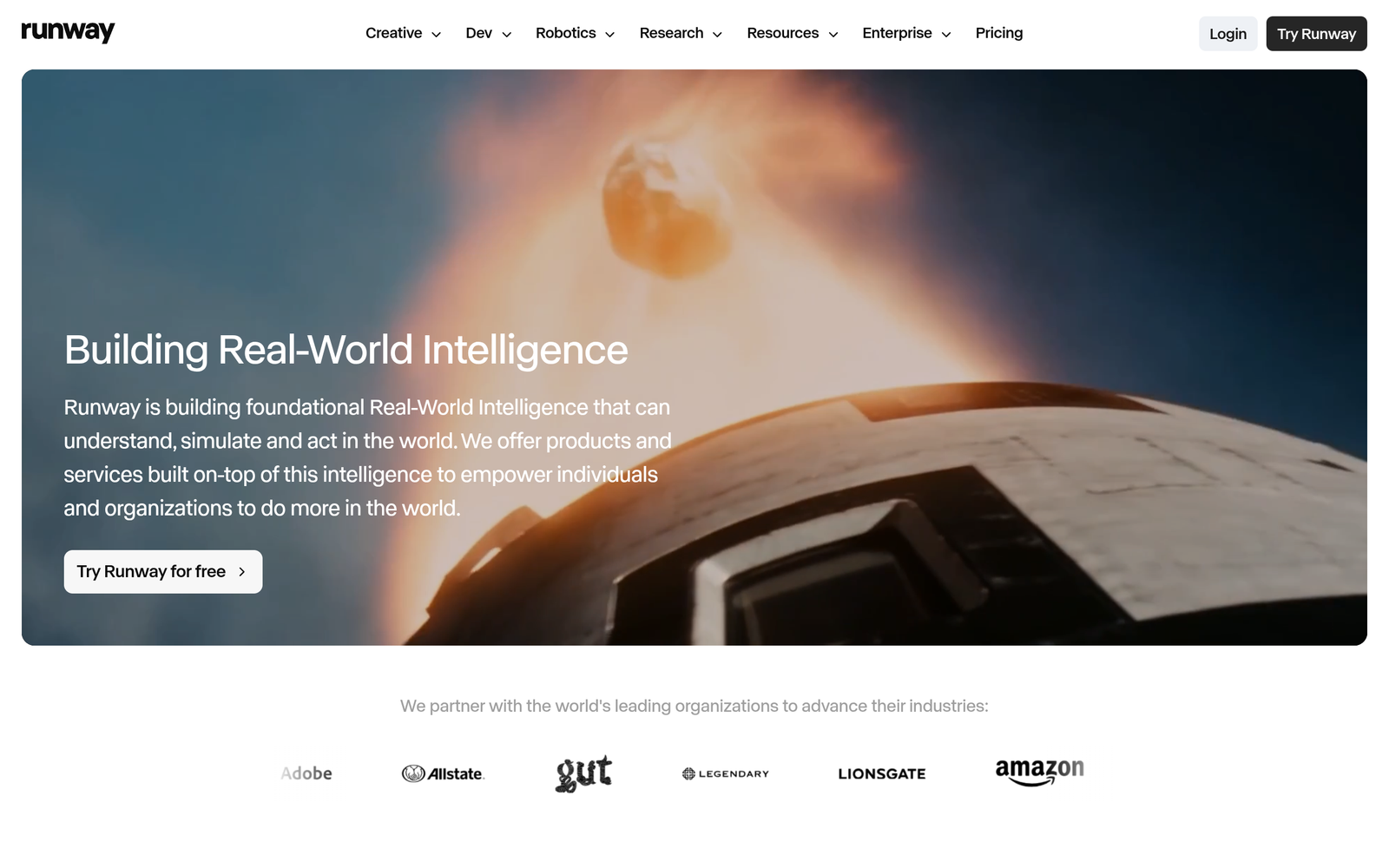
Runway is the filmmaker-grade generative video platform. Its Act-One and Act-Two tools transfer a real performance, facial expressions and gestures captured on a phone, onto an AI character. Output goes up to 4K HDR, and the underlying video models are state of the art. For character acting rather than talking heads, nothing else here competes.
Pricing
The free plan includes 125 one-time credits. Standard is $15 per month, or $12 billed annually, with 625 credits per month. Pro is $35 per month with 2,250 credits, and Max is $95 per month with 9,500 credits. Performance transfer consumes about 5 credits per second of generated clip, so the Pro plan covers roughly seven minutes of Act-Two output per month.
The catch
Runway is not a photo-to-talking-avatar tool. There is no quick “make this photo talk” workflow, and credit costs make long avatar content expensive. It is overkill for daily news-reporter output.
TAL’s Take
The pro-creative alternative. Include it when your avatar needs to act, not just read a script. For straightforward talking presenters, the tools above are faster and cheaper.
How to choose the right talking avatar generator
Match the tool to the output
Daily social clips need fast rendering, vertical export, and natural lip-sync. Hedra, HeyGen, and D-ID are built for exactly this. Corporate training needs SCORM, quizzes, and admin controls, which points to Synthesia or Colossyan.
Understand the pricing model
Most tools sell credits or minutes, not unlimited video. Estimate your monthly output in minutes first, then check what that costs on each plan. Re-edits often consume credits again, so a tool that looks cheap per minute can get expensive if you iterate a lot.
Test realism on your own face
Avatar quality varies more between tools than marketing suggests. Every tool on this list has a free tier or trial. Generate the same 20-second script on two or three of them and compare lip-sync and naturalness before paying.
Check the commercial terms
Free and trial tiers often watermark videos or restrict commercial use. If the videos earn money or represent a brand, confirm the paid plan grants a commercial license.
How we researched this list
We evaluated more than a dozen AI talking avatar generators against official product and pricing pages, checked on October 7, 2026. We compared avatar realism, lip-sync quality, voice options, language support, export formats, and pricing models.
Beyond desk research, our team tested these tools hands-on for a real use case, producing a news-reporter style presenter for our Instagram channel, and published more than ten videos with our chosen tool, Hedra. Tools that we could not verify current pricing on their official pages are noted in their sections.
Get featured
Building an AI talking avatar tool we should review? Contact The AI Landscape team to be considered for this list.