
A few days ago we started creating videos for our Instagram channel, @theailandscapeofficial. We wanted to create short clips and motion graphics that could grab attention and stop people from scrolling.
Like most creators, we first looked at paid AI video tools such as Runway, Kling, Pika, and Veo. They produce great results, but they charge based on the amount of video you generate. If you post every day, those credits can run out very quickly. For a content channel that needs to produce videos regularly, paying for every few seconds of video is not ideal.
So, we decided to try open-source video models instead. These models have improved a lot over the past year, and once you have the required hardware, you can generate videos without paying for every clip.
We tested eight open-source video models for our Instagram workflow.
We compared their video quality, hardware requirements, and commercial licenses to see which ones actually make sense for regular content creation.
Here is what we found.
Why open source wins for a content channel
The math is simple. Paid models typically charge by the second, which means every experiment, every rejected take, and every re-render costs you money. With an open model running on your own GPU or a rented one, generating ten variations of a clip costs the same as generating one. For a channel finding its visual style, that freedom to iterate is worth more than any single feature.
There are two more advantages that matter. Open models have no watermarks and no usage dashboards watching your output, and the weights live on your machine, so your prompts and your unpublished drafts stay private.
The tradeoff is real too. You need a decent GPU, you need some patience for setup, and the very best paid models still hold a quality edge on difficult motion. But the gap is far smaller than the price difference suggests.
The 8 best open source AI video models in 2026
1. Wan 2.2
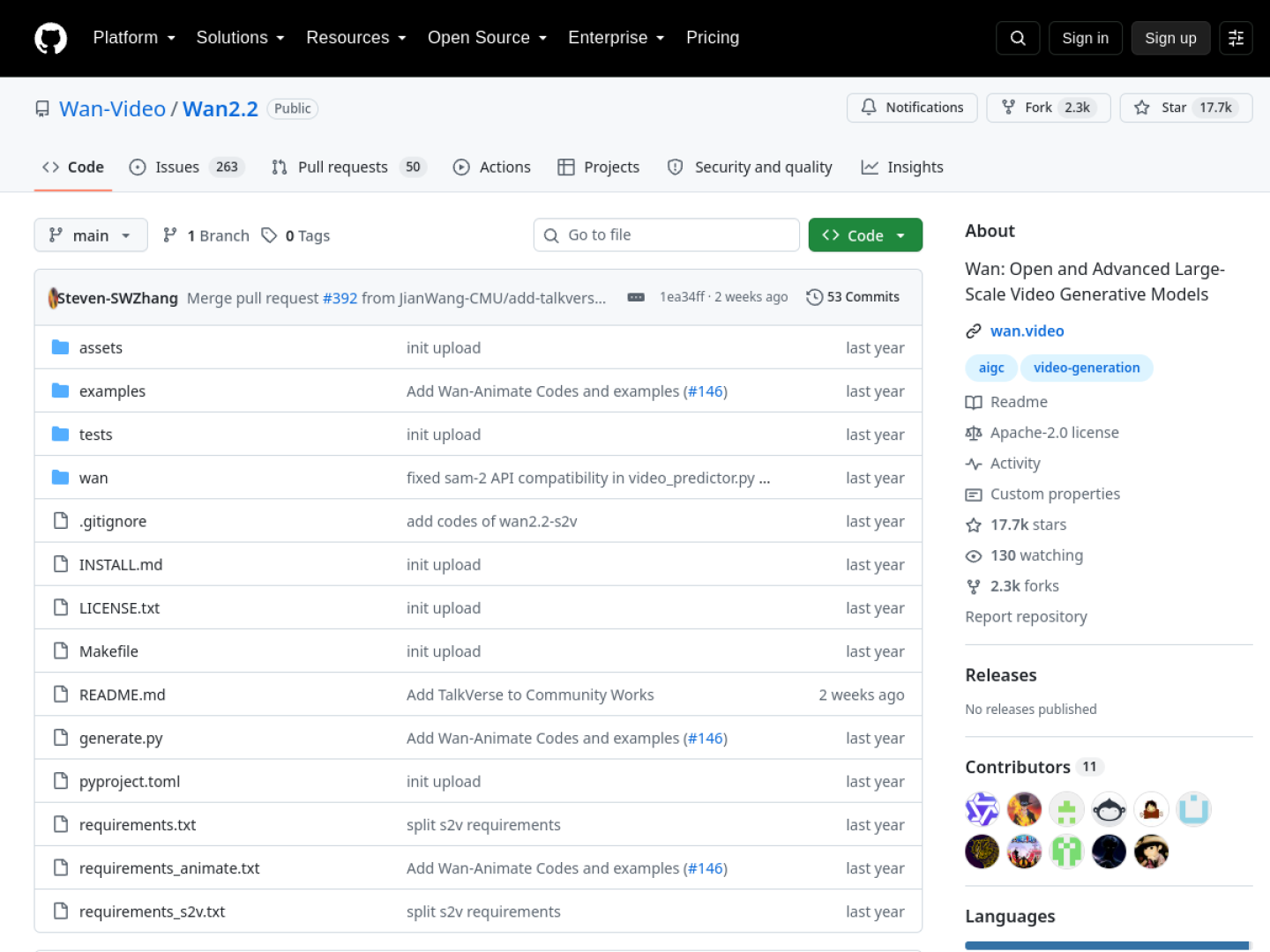
Wan 2.2 is Alibaba’s open video model and the clear community favorite right now. It uses a mixture-of-experts architecture, which means only a fraction of its 27 billion parameters are active for any given generation.
The practical result is strong visual quality at a reasonable compute cost, with support for 1080p clips around ten seconds long.
License
Apache 2.0. This is the cleanest license in the open video world. You can use Wan 2.2 commercially, modify it, and ship products built on it without revenue caps or territory exclusions.
What you need to run it
The full 14B active-parameter model wants around 24GB of VRAM, so an RTX 4090 or a rented equivalent handles it. Smaller variants run on 16GB cards, and the Wan2GP project packages it for low-VRAM GPUs with aggressive quantization.
The catch
There is no native audio generation, so dialogue and sound effects need a separate pipeline. Setup is also genuinely technical. Expect ComfyUI workflows or Python scripts, not a sign-up form.
TAL’s take
If you run only one open video model, run this one. The Apache 2.0 license removes every commercial worry, the LoRA ecosystem is the largest of any open video model, and the quality per dollar of compute is unmatched. This is our default recommendation.
2. LTX-Video
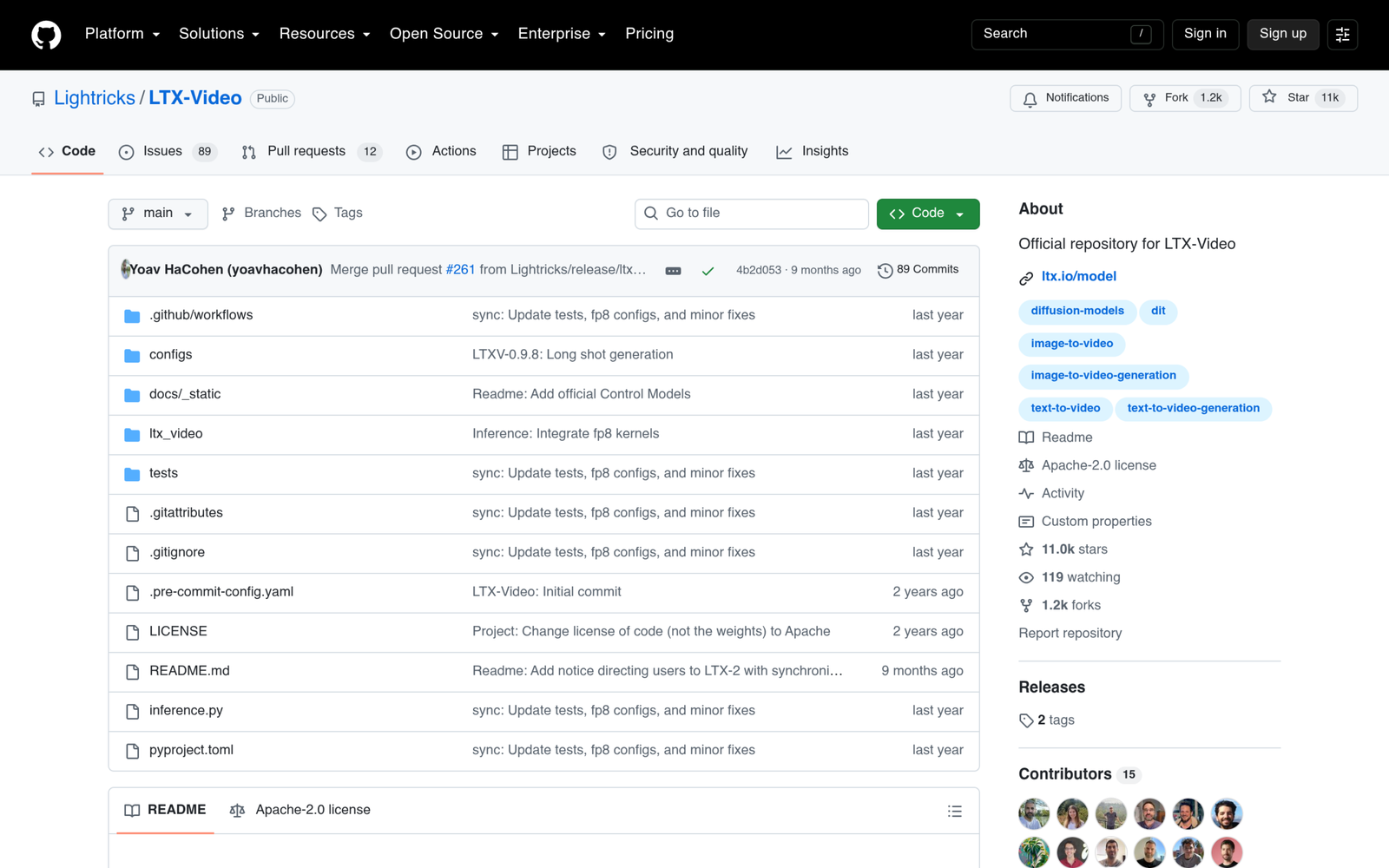
LTX-Video comes from Lightricks, the company behind Facetune and Videoleap, and it is built for speed above all else. It generates video faster than real time on good hardware, which changes how you work. Instead of submitting a prompt and coming back later, you iterate the way you would with an image model.
License
LTX Open Weights License. Free for commercial use below $10 million in annual revenue, with a paid license required above that. Fine for creators and small studios, but read the terms if you are scaling a business on it.
What you need to run it
The distilled 2B build runs on as little as 8GB of VRAM, which makes it the most accessible serious model on this list. The full 13B build wants a 24GB card. Newer versions add native audio with synchronized sound.
The catch
Maximum resolution sits below Wan at 1216 by 704, and the revenue trigger in the license means it is not truly free forever for a growing company.
TAL’s take
The speed is the feature. For short-form content where you generate dozens of variants to find one winner, LTX-Video’s iteration cycle is addictive. It is the best second model to have alongside Wan.
3. HunyuanVideo 1.5
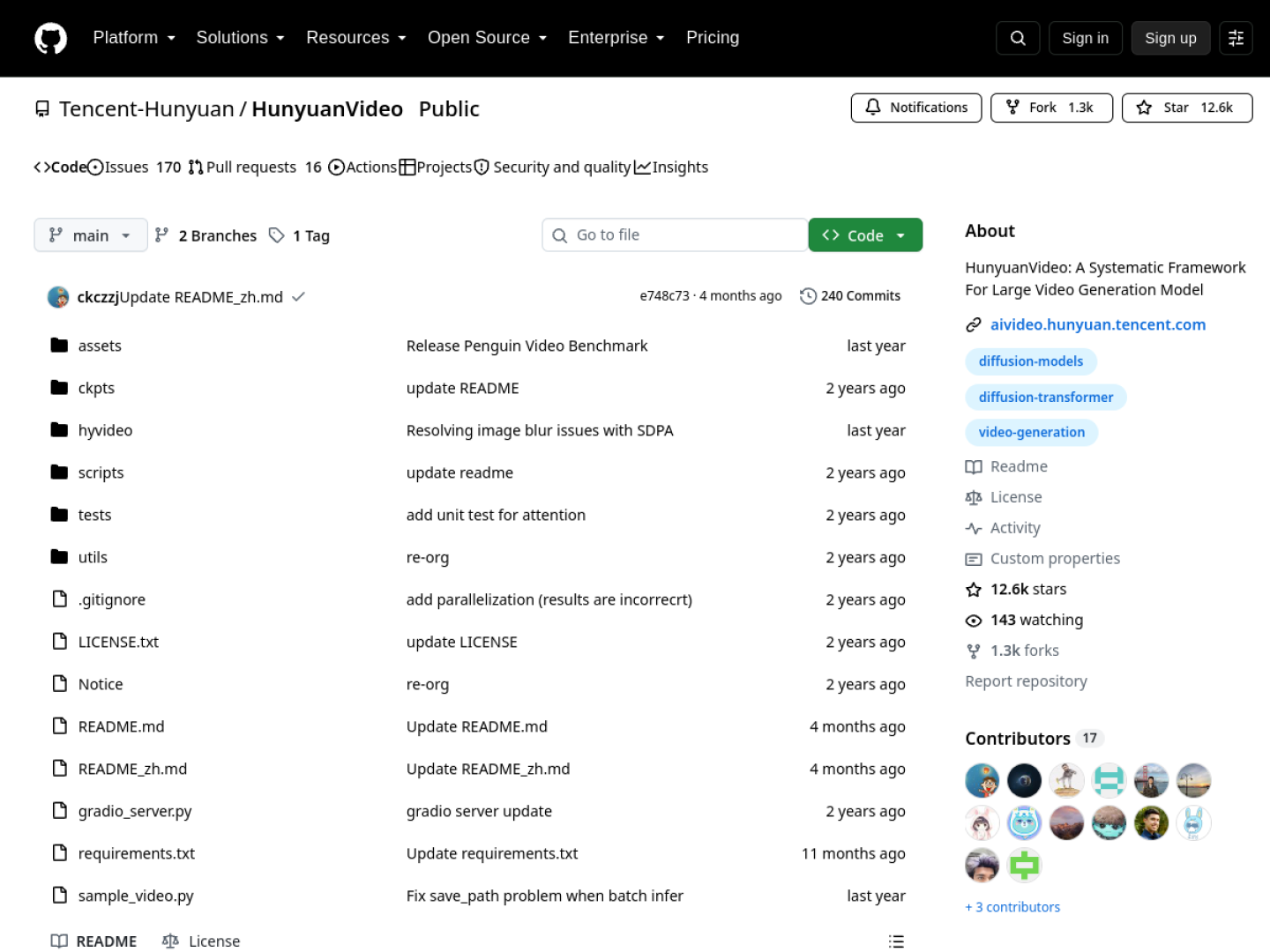
HunyuanVideo is Tencent’s 13 billion parameter video foundation model. Version 1.5 is known for cinematic motion quality and efficient inference, producing smooth 720p clips up to fifteen seconds long with some of the most natural movement of any open model.
License
Tencent Hunyuan community license. Royalty-free, but with two clauses you must know about. It excludes the EU, UK, and South Korea entirely, and products above 100 million monthly active users need a separate license. If your audience or business touches those territories, pick a different model from this list.
What you need to run it
The original release needed 40 to 80GB of VRAM at full precision, but 1.5 is far more efficient and fits on a 24GB card with quantized builds. Multi-GPU inference, FP8, and ComfyUI integrations are all supported.
The catch
The territory exclusion is a dealbreaker for European publishers. No exceptions, no workaround. Check where your content business operates before investing time in this one.
TAL’s take
Beautiful motion, but the license geography makes it a non-starter for us and for much of our audience. If you publish only outside the excluded territories, it is a top-three model on quality alone.
4. SkyReels V2
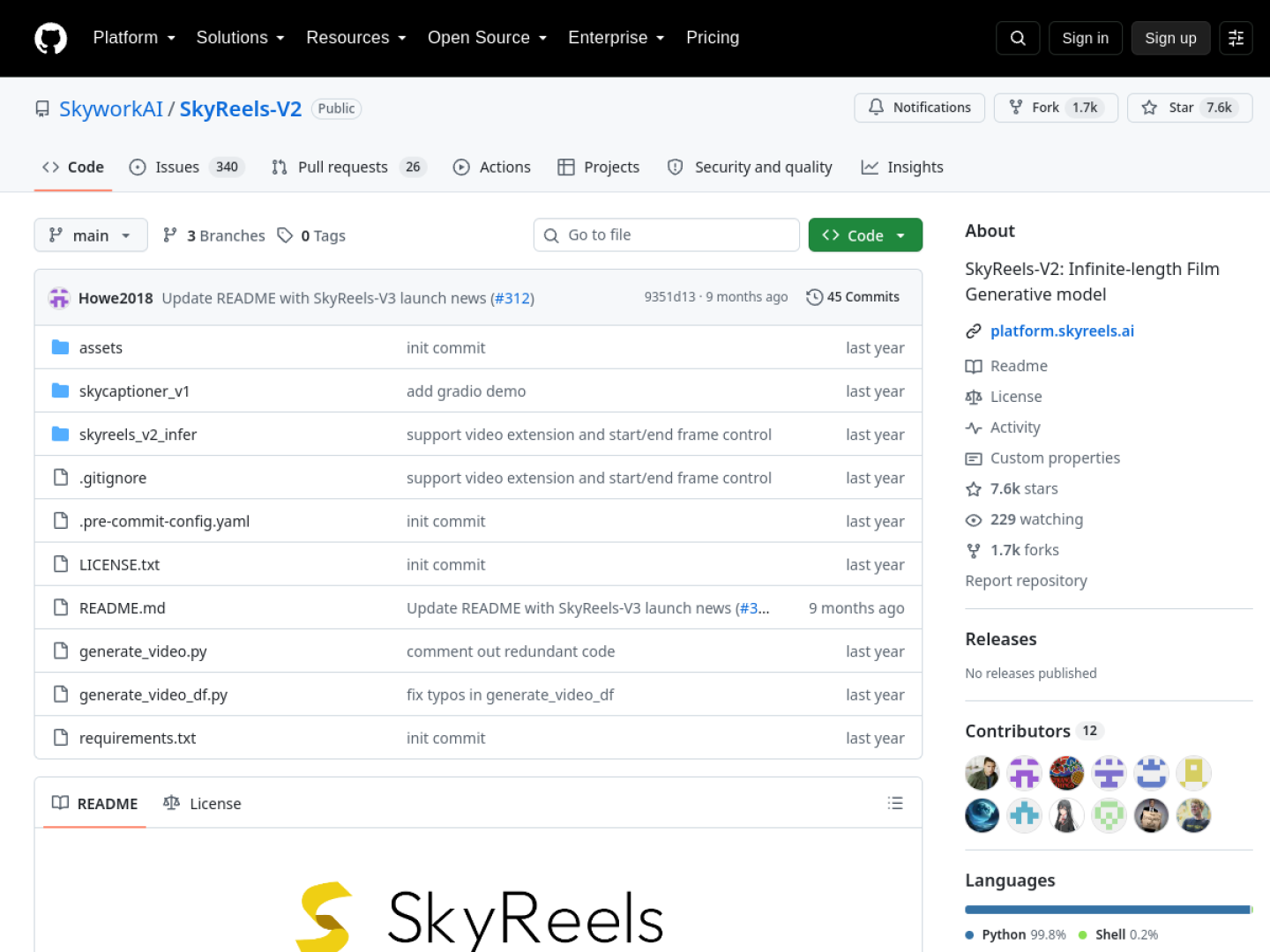
SkyReels V2 from Skywork is the long-form specialist of the open video world. Where most open models top out at five to ten seconds, SkyReels is designed for extended clips with consistent characters and scenes, which makes it unusually useful for narrative content rather than single shots.
License
Apache 2.0, though you should verify the license file on the repository before commercial use since terms can change between releases.
What you need to run it
This is a 24GB-plus model. Longer clips mean more frames in memory, so budget VRAM generously or use the cloud.
The catch
The community around SkyReels is smaller than Wan’s, which means fewer tutorials, fewer LoRAs, and slower answers when something breaks.
TAL’s take
If your format needs shots longer than ten seconds with the same character throughout, nothing else open comes close. For quick social clips it is overkill, but for mini-narratives it earns its place.
5. CogVideoX
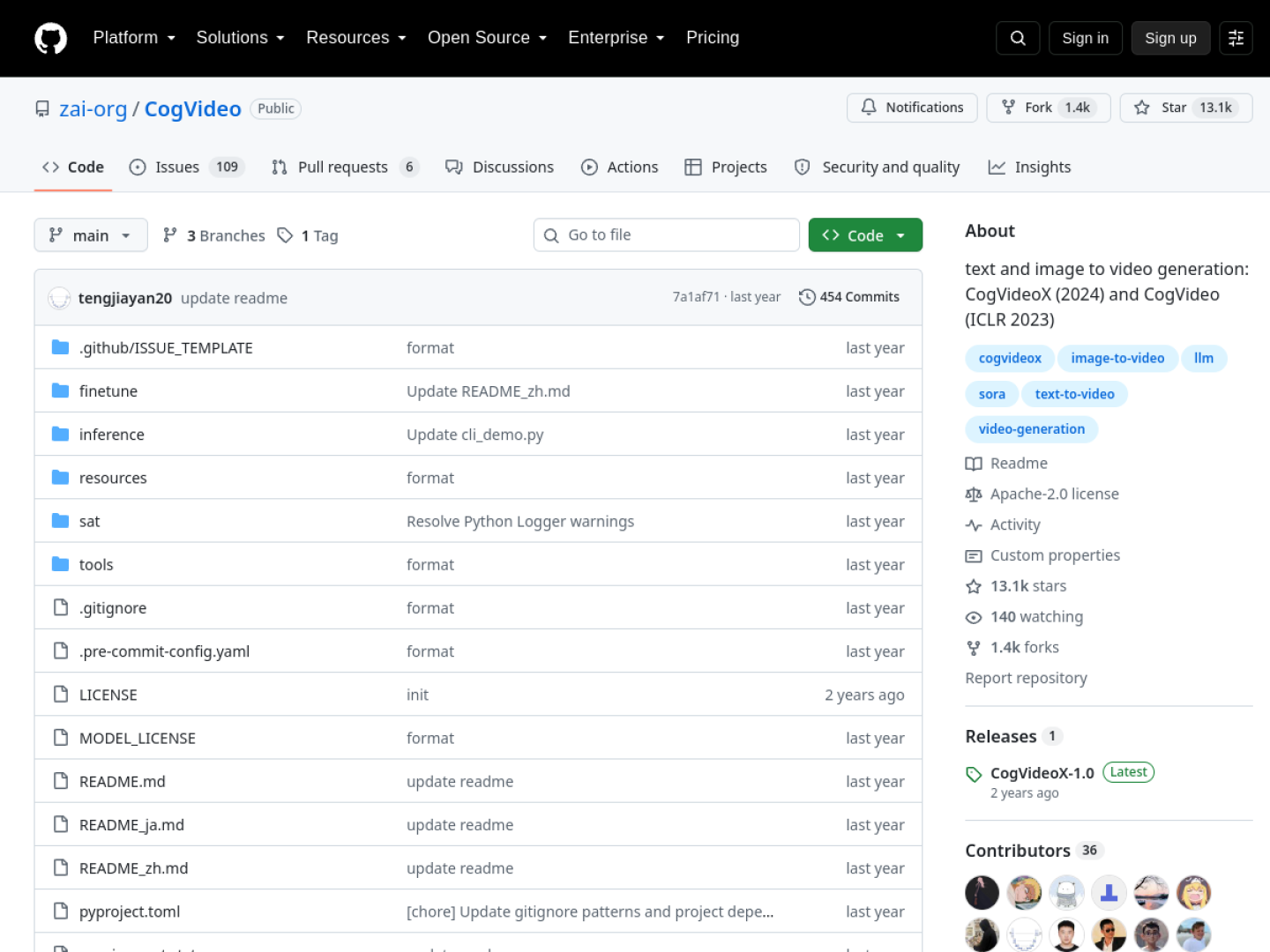
CogVideoX from Zhipu and Tsinghua University is one of the pioneers of open video generation. The 5B model handles both text-to-video and image-to-video, combining a 3D VAE with an expert transformer. It will not win quality benchmarks against Wan 2.2 today, but it remains one of the most accessible and well-documented ways into open video.
License
CogVideoX community license. Free for commercial use below one million visits per month, with a separate license needed above that. Fine for most creators, worth a conversation with Zhipu if you go viral at scale.
What you need to run it
Around 16GB of VRAM, which puts it within reach of mid-range consumer cards like the RTX 4080. Ten-second clips at 720p are the sweet spot.
The catch
Development momentum has moved to newer models, and output quality shows its age next to Wan and Hunyuan. The visits-per-month cap is also unusual and worth tracking.
TAL’s take
The friendly on-ramp. If your GPU has 16GB and you want to learn open video generation without fighting for every gigabyte, CogVideoX is where to start before graduating to Wan.
6. Mochi 1
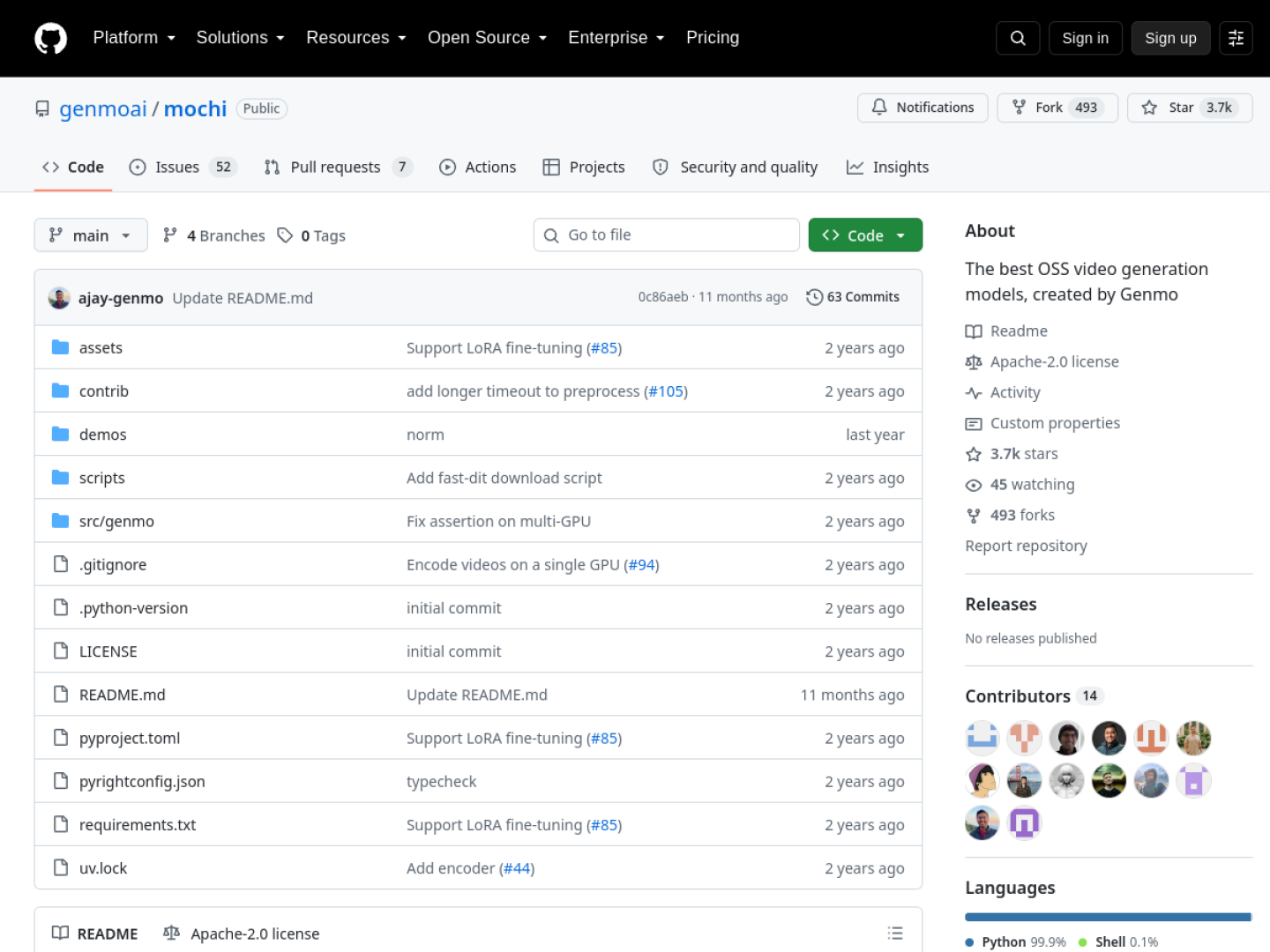
Mochi 1 is Genmo’s 10 billion parameter video model, built on an asymmetric diffusion transformer architecture. It is particularly respected for motion realism, handling the physics of moving subjects more convincingly than most open models in its weight class.
License
Apache 2.0. Full commercial freedom with no revenue caps or territory games.
What you need to run it
Around 24GB of VRAM. Clips run about five seconds at 848 by 480, which is modest resolution by 2026 standards but keeps generation times sane.
The catch
Short clips and lower resolution limit its use for polished final output. It shines more as a motion study tool and a research baseline than as a production workhorse.
TAL’s take
A specialist pick. The motion quality punches above its resolution, and the Apache 2.0 license keeps it legally simple. Worth knowing about, though most creators will reach for Wan first.
7. Allegro
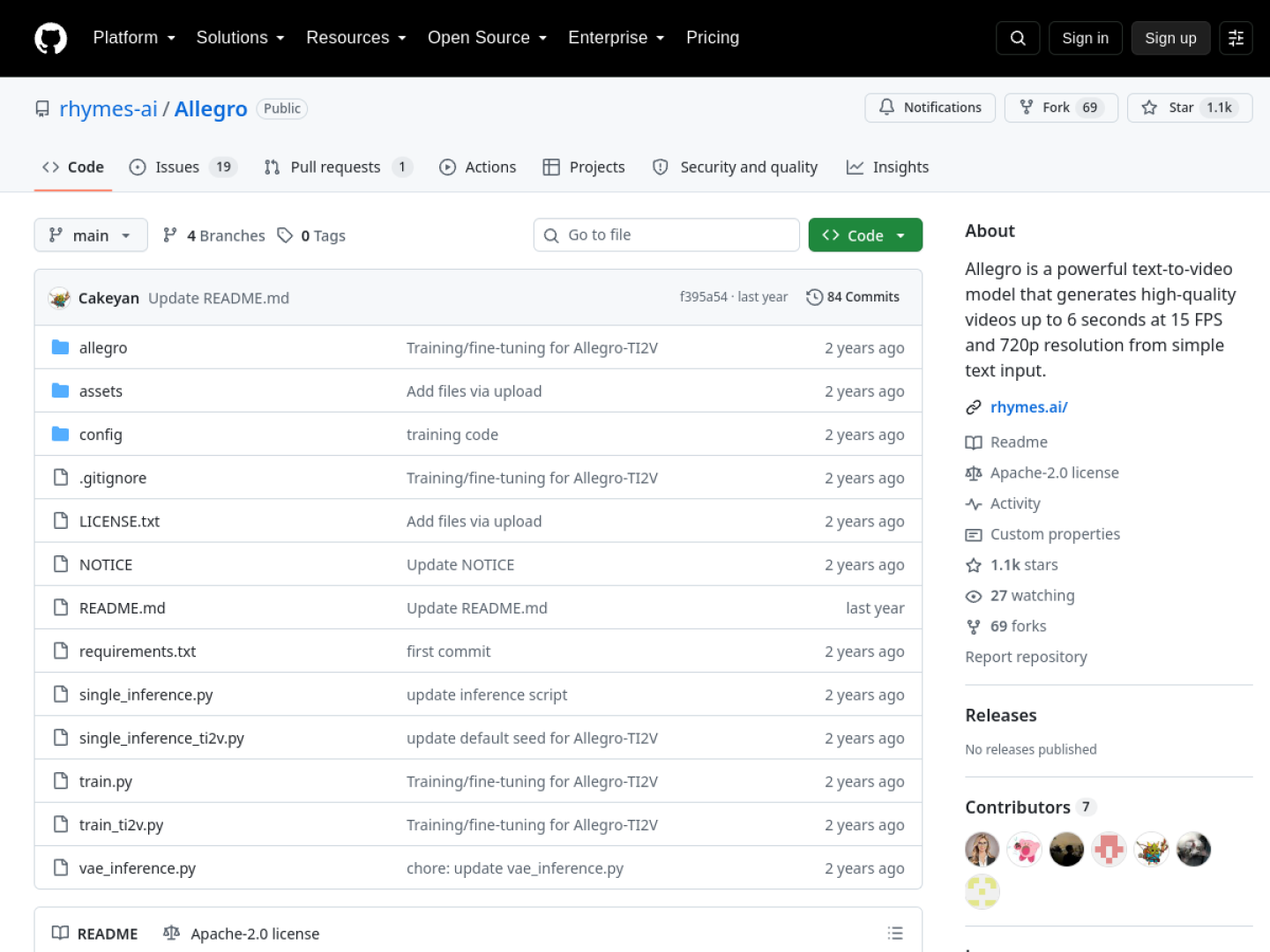
Allegro from Rhymes AI is the lightweight of this list at just 3 billion parameters. It trades maximum quality for accessibility, running comfortably on consumer hardware that chokes on the bigger models. For creators with a mid-range GPU who still want real text-to-video, it is the pragmatic choice.
License
Apache 2.0. No restrictions worth worrying about for typical creator use.
What you need to run it
A consumer GPU with 12GB of VRAM or more handles it. This is the only model here that feels at home on a gaming PC rather than a workstation.
The catch
Three billion parameters can only do so much. Expect simpler scenes, shorter clips, and visibly less detail than the flagship models above.
TAL’s take
The “my GPU is what I have” pick. If buying or renting a 24GB card is not in the cards, Allegro still gets you generating real AI video today instead of waiting.
8. Open-Sora 2.0
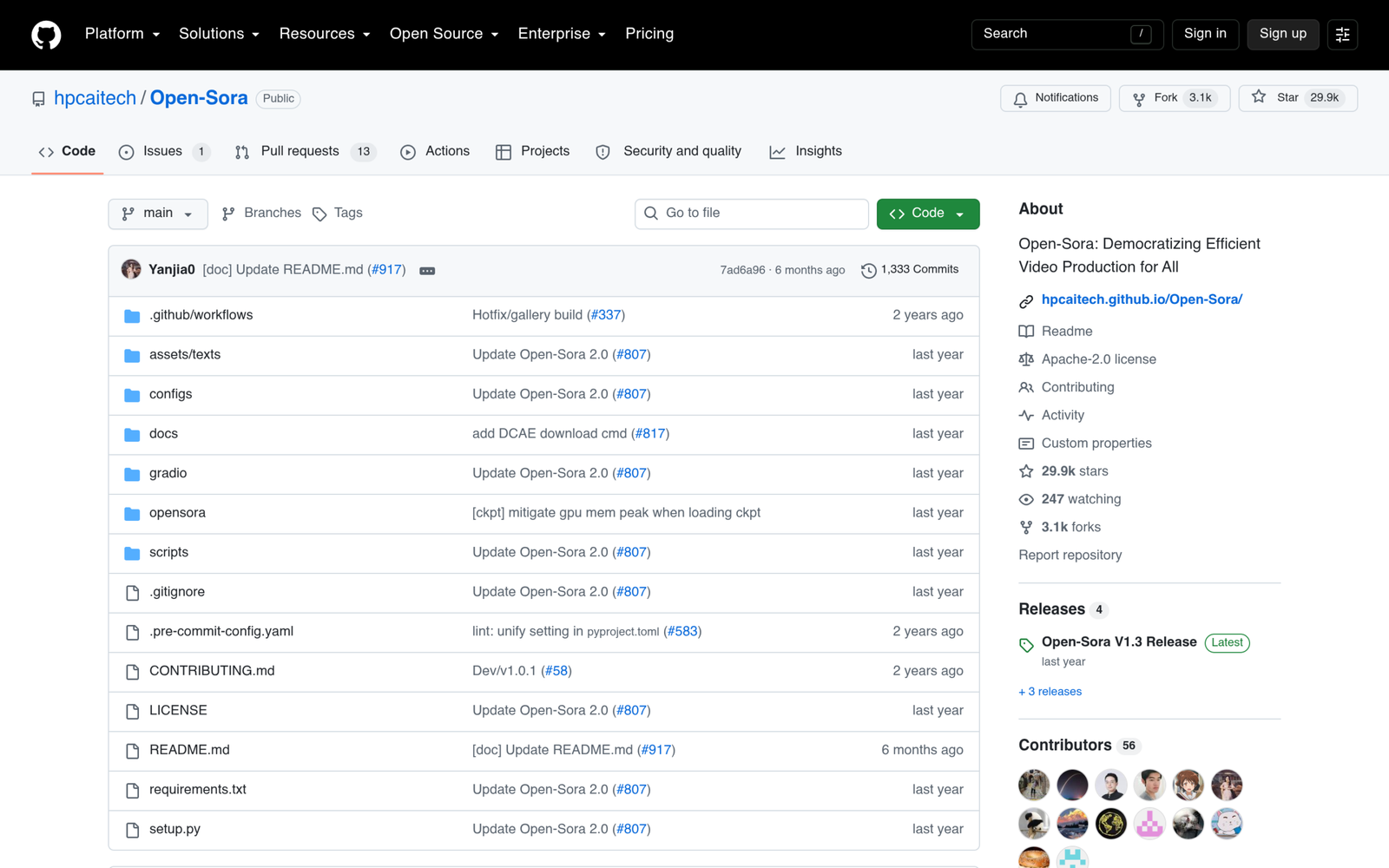
Open-Sora 2.0 from HPC-AI takes a different philosophy from everything else here. Instead of shipping one polished model, it aims for a fully open video generation stack, with open code, open training recipes, and open weights. It is the transparency-first option.
License
MIT license on the code, which is about as permissive as software licensing gets. Check the weights license separately on the repository.
What you need to run it
24GB of VRAM or more, plus comfort with research-grade code. This is not a polished product, and it does not pretend to be.
The catch
Out-of-the-box quality lags the purpose-built models above, and you will spend more time on setup and tuning. This is a foundation for builders, not a tool for creators on a deadline.
TAL’s take
Include it for what it represents. If you want to understand or extend how video models actually work rather than just generate clips, Open-Sora is the only project here built for that job.
What it actually costs to run these models
The models are free, but the compute is not. You have three options. A used or new 24GB card like an RTX 4090 is the one-time purchase route, and it pays for itself quickly if you generate daily.
Cloud GPU rentals let you spin up a 24GB card by the hour for well under a dollar on most marketplaces, which is ideal for testing before you commit. And if you want zero setup, services like ComfyUI cloud offerings and API platforms such as fal.ai and Replicate host most of these models behind simple APIs, where you pay per generation but skip the DevOps entirely.
Whichever route you pick, the economics beat per-second pricing the moment your volume crosses a few dozen clips a month. That was the calculation that pushed us toward open models for our Instagram work, and it has held up.
How we picked these eight
We started with more than 15 open-source video models and gradually narrowed the list down. We looked at their documentation, GitHub activity, licensing terms, community support, and available benchmarks.
Here are the four things that mattered the most for us:
- First, the license had to allow real-world use. We checked the commercial terms for each model, including any restrictions or conditions that could affect publishing content.
- Second, the model had to run on hardware that creators can realistically access. This removed several impressive research models that require expensive GPUs or complex setups.
- Third, the video quality had to be good enough for social media. We were not interested in models that looked great only in research demos. We wanted something we could actually use to create Instagram videos.
- Finally, the project needed an active community. Good documentation, tutorials, workflows, and regular updates make a huge difference when you are working with open-source models.
We also wanted to test the models ourselves rather than rely only on benchmark scores. So, we generated actual videos with these models using RunPod, which lets you rent cloud GPUs and run AI models without buying expensive hardware.
This gave us a much better idea of how each model performs in a real content workflow, including generation quality, speed, setup, and overall usability.
After testing them, we ended up choosing Wan 2.2 for our workflow. It offered the best balance of video quality, hardware requirements, community support, and practical usability for the type of content we wanted to create.
For us, that mattered more than simply choosing the model with the highest benchmark score. A model that scores slightly lower but is easier to run, has a practical licence, and works well for real content is far more useful than a benchmark leader that is difficult or risky to use commercially.
Building an open video model? Get featured
Training an open video model that belongs on this list? We review new models every month. Email us at info@theailandscape.com with your model details and license terms, and our editors will take a look.